Organic intent personalization
Tailor your site's content dynamically to match organic traffic interests.
If you are investing tons of resources to create an effective content strategy and drive traffic to your website, you could be monetizing it beyond just traffic generation.
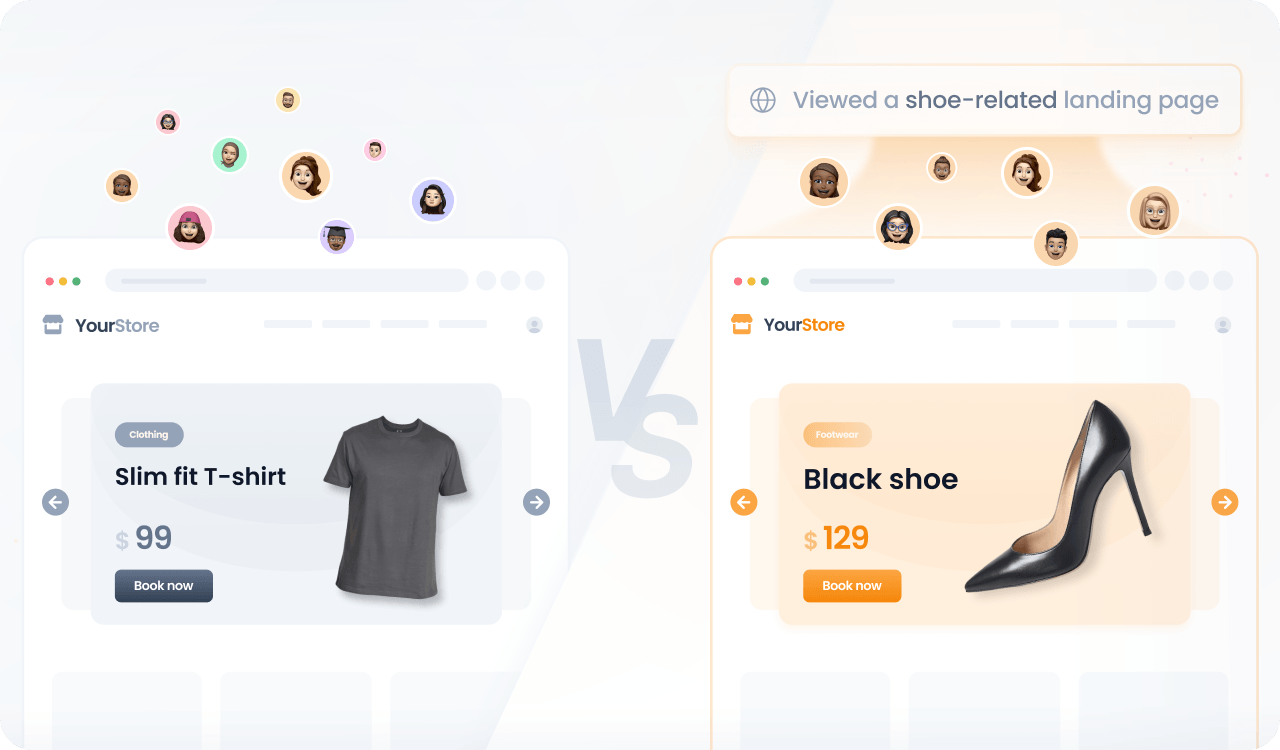
By identifying the landing pages visitors arrive on and their session activity, you can tailor your site’s content dynamically to match their interests and improve engagement and conversions.
Prerequisites
Before you start, make sure you have:
- A Croct account with a workspace and application set up.
- Integrated a slot into your project.
If you have not done any of these, follow the instructions on the provided links and come back here once the setup is done.
Step by step
Follow this to configure your experience:
- Create an experience
Open the experiences page in the admin app and click New experience to create an experience.
- Define an audience
In the Audience tab, click New audience and enter the criteria using the session’s landing page:
session's landingPage matches "something"You can narrow your audience further by also requiring a minimum level of session activity:
session's landingPage matches "something"and ( property pageviews of session's stats > 3 or property clicks of session's stats > 5) - Select the slot
Click the Slot tab and select the ones you want to personalize.
You can select multiple slots across the website to maintain consistent communication. Some popular choices are the hero section, product card, and subscription plan cards.
- Define the personalized content
Click the Content tab to specify which content should be shown to those users in the selected slots.
- Preview and publish
Publish your experience or click Preview to see the magic happen.