Personalization for blog readers
Tailor content based on the blog posts users have read.
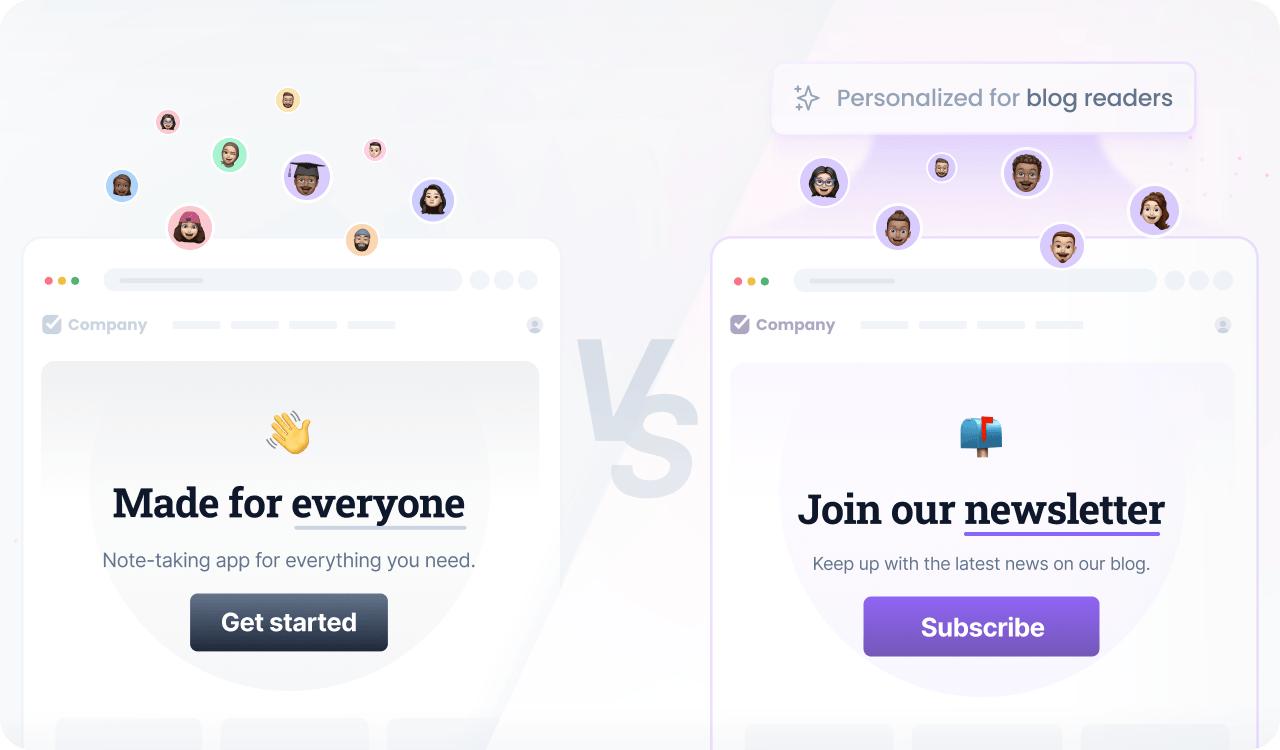
Blog reading behavior reveals strong signals about a user’s interests and intent. By personalizing content based on the posts users read, you can continue the conversation on your application with messages that feel relevant and timely.
This approach helps guide users to the next logical step in their journey, increasing engagement and supporting conversions.
Prerequisites
Before you start, make sure you have:
- A Croct account with a workspace and application set up.
- Set up tracking for the Post viewed event.
- Integrated a slot into your project.
If you have not done any of these, follow the instructions on the provided links and come back here once the setup is done.
Step by step
Follow this to configure your experience:
- Create an experience
Open the experiences page in the admin app and click New experience to create an experience.
- Define an audience
In the Audience tab, click New audience and define the criteria.
You can use the blog post data to infer their interest:
user has viewed a post with title like "something"You can increase your reach by also matching post metadata such as tags:
user has viewed a post with title like "something"or with tags including "something" - Select the slot
Click the Slot tab and select the ones you want to personalize.
You can select multiple slots across the website to maintain consistent communication. Some popular choices are the newsletter form, hero section, and announcement bar.
- Define the personalized content
Click the Content tab to specify which content should be shown to those users in the selected slots.
- Preview and publish
Publish your experience or click Preview to see the magic happen.