Experience
Discover what an experience is and how it works.
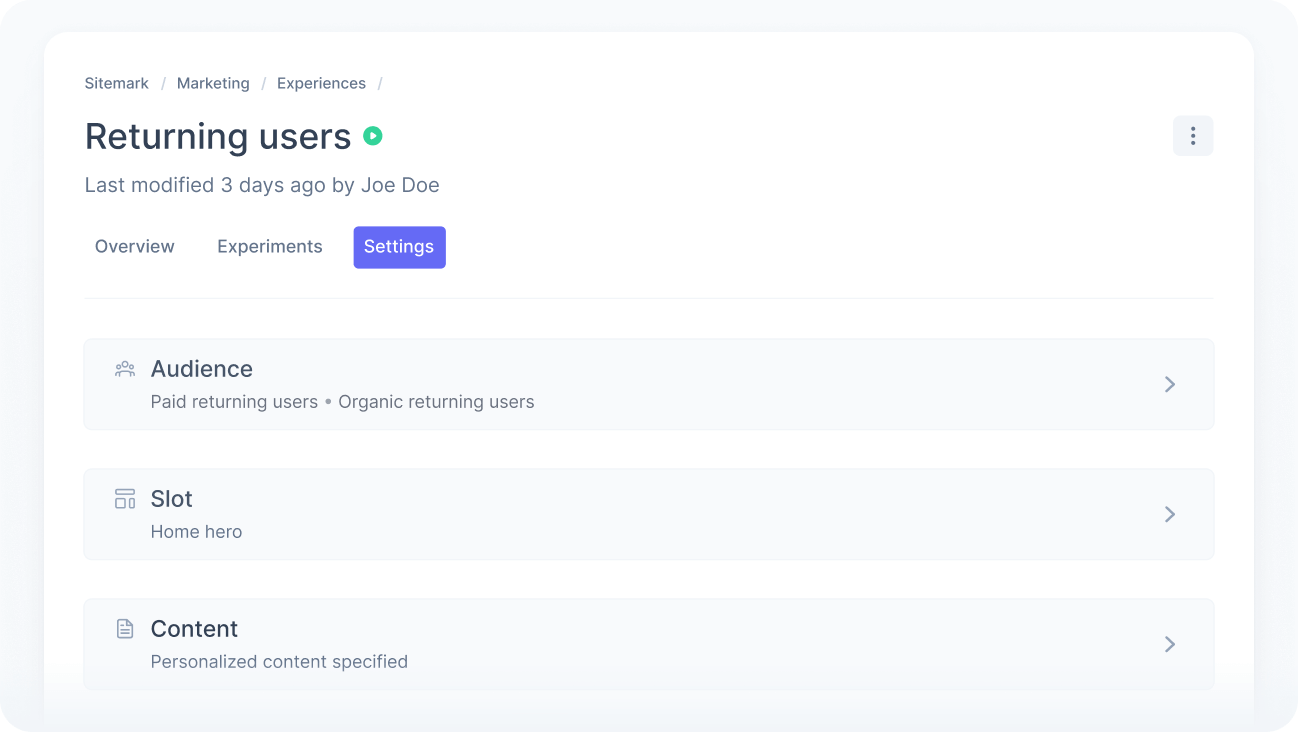
An experience lets you show different content to a specific group of visitors. People who match your targeting rules see the tailored content you define, while everyone else sees the default.
You can use experiences to personalize journeys or run controlled experiments, with full control over what is shown to whom — every change is purposeful, measurable, and driven by real user data.

Check our playbooks and learn more about the most common use cases.
How it works
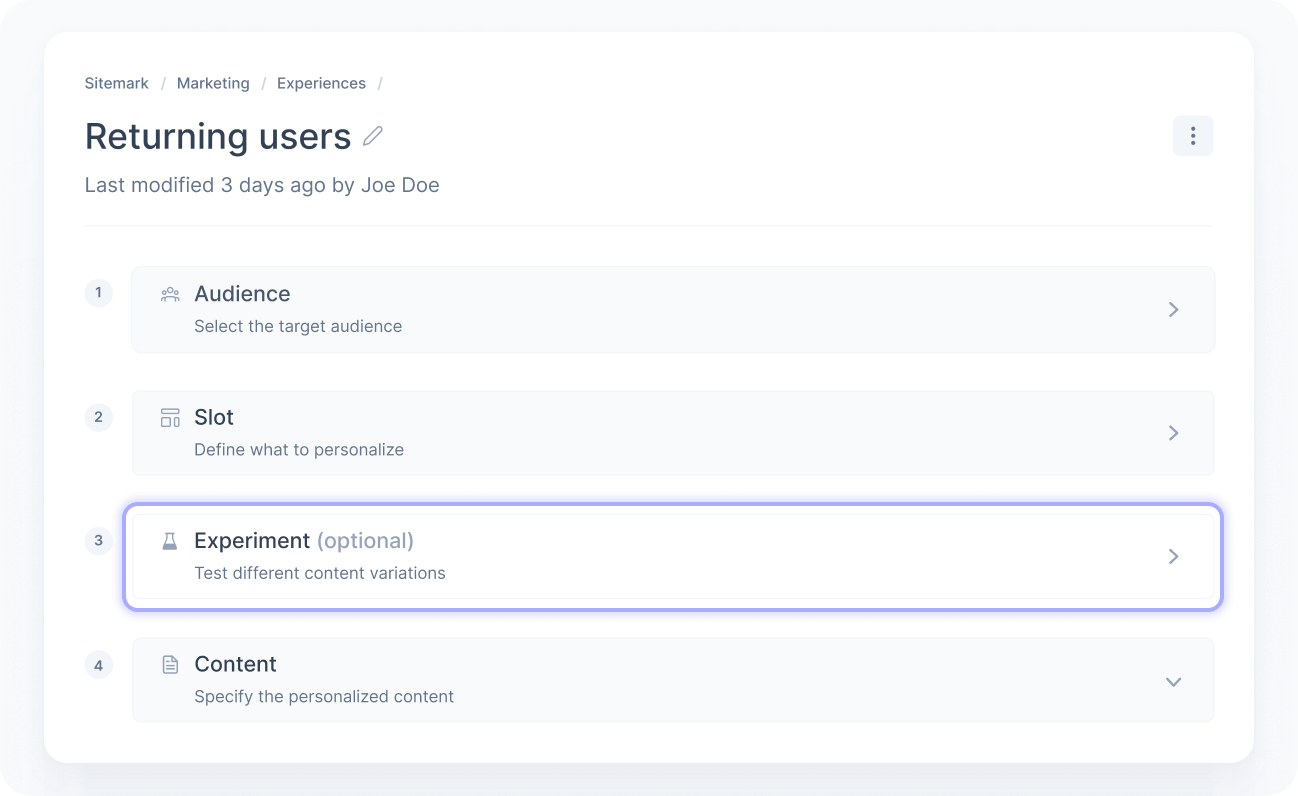
Every experience is defined by three things: who sees it, where it appears, and what they see.
Define the audience
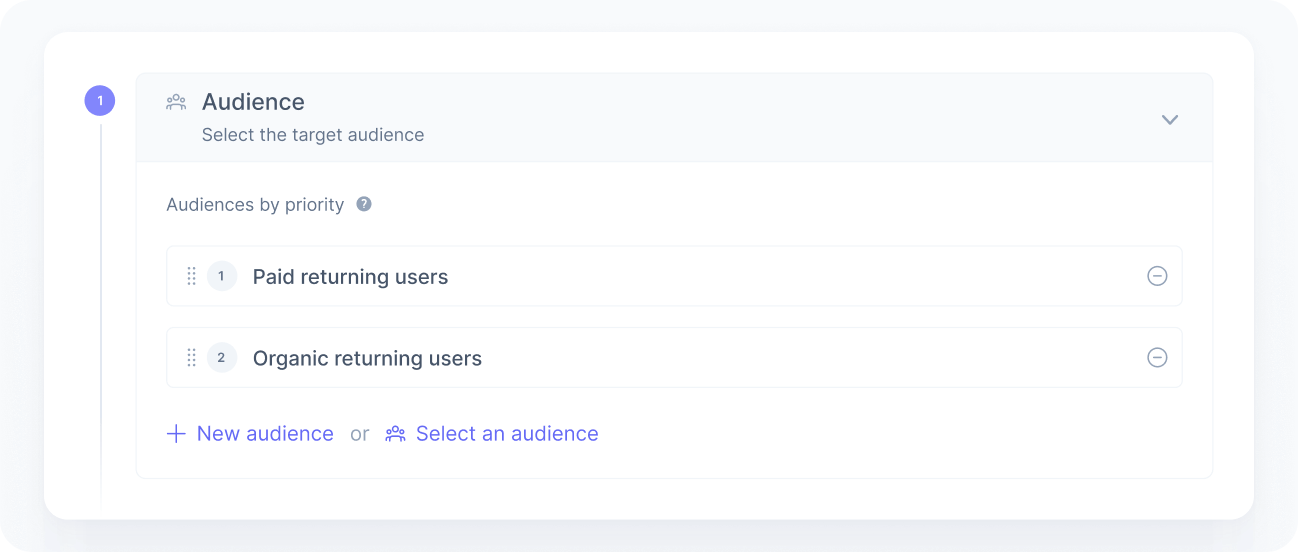
The first step is choosing who the experience is for. You build an audience using real-time data such as user behavior, traffic source, preferences, or any custom attributes you track.
A single experience can target multiple audiences. For example, if you run three paid search campaigns, you can create one audience per campaign and include all of them in the same experience. This lets you personalize content consistently while still evaluating each subgroup separately through the Experience analytics.
Choose the slots
Next, you select the slots where the content should change. Slots are the specific areas of your application integrated with Croct.
You can use a single slot or combine multiple slots across different pages to keep the journey consistent. For example, you can adapt the homepage, product page, and checkout flow in a single experience.
When more than one experience targets the same slot, priority determines which one is delivered.
Set the content
The last step is defining the content each audience will see. This is the variation that replaces your default content, whether it’s a different message, layout, or conversion flow.
If you target multiple audiences, you can give each one its own content using content groups.
Run an experiment
You can optionally add an experiment to measure the impact of your content before rolling it out to the full audience. Experiments let you test different variants, compare performance, and validate your strategy with real data before committing to broader changes.
Status
Experiences have four possible statuses:
- Active
The experience is live and delivered to users who match the audience rules. - Paused
The experience is on hold. You can resume it at any time without losing configuration or collected data. - Draft
The experience is being created or reviewed. Draft changes are not delivered until published. - Archived
The experience has been deleted. Archived experiences are kept for reference only. - Scheduled
The experience is scheduled to start at a specific date and time. Until that moment, it is not delivered to users. Once the scheduled start is reached, the experience automatically becomes active.