Scheduling
Learn how to control when your experiences go live.
This feature is offered as an add-on. Contact sales for more information.
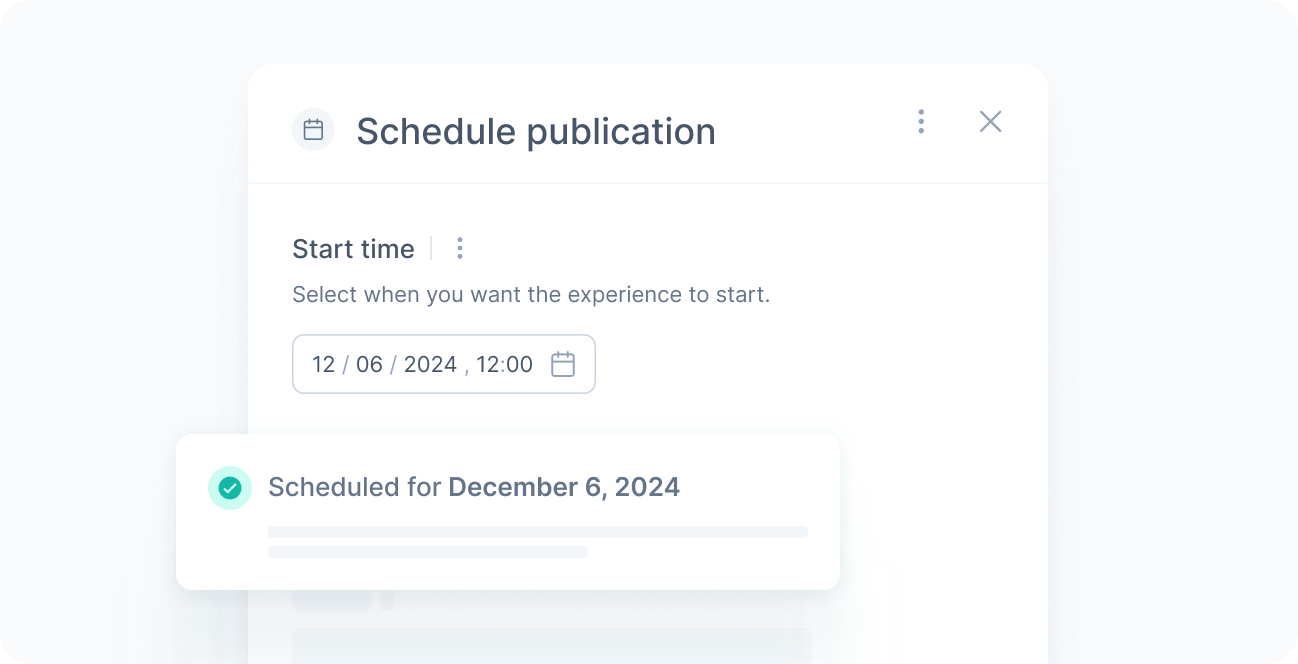
The scheduling feature lets you control exactly when an experience starts, pauses, or resumes without requiring manual intervention.
By planning ahead, you reduce the risk of last-minute mistakes and ensure your content is delivered at the right moment, aligning your experience or experiment strategies with marketing campaigns, product launches, and time-sensitive promotions.
Use cases
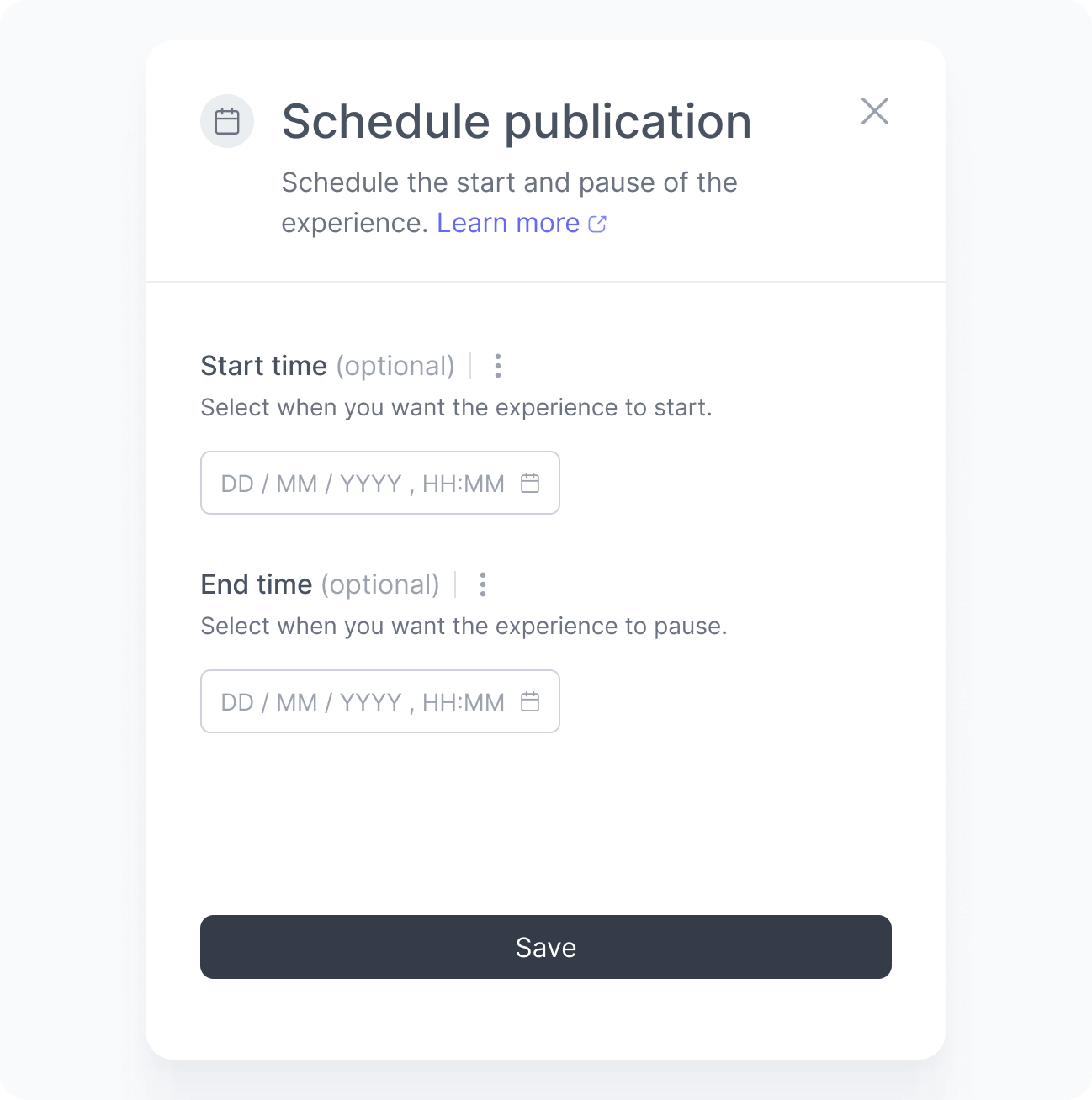
You can schedule three types of actions for an experience:
Start date
Launch experiences automatically at a defined date and time, even outside business hours or when your team is offline. This ensures your campaigns can go live exactly when you need to, including weekends, holidays, or overnight.
Pause
Stop an experience at a specific moment without manual action. This is useful for temporarily disabling content on special dates, during events, at campaign endings, or due to operational constraints.
Resume
Bring paused experiences back online automatically. This helps maintain consistency in your strategy and ensures experiences return at the right time without relying on someone being available to publish them.
Time zone
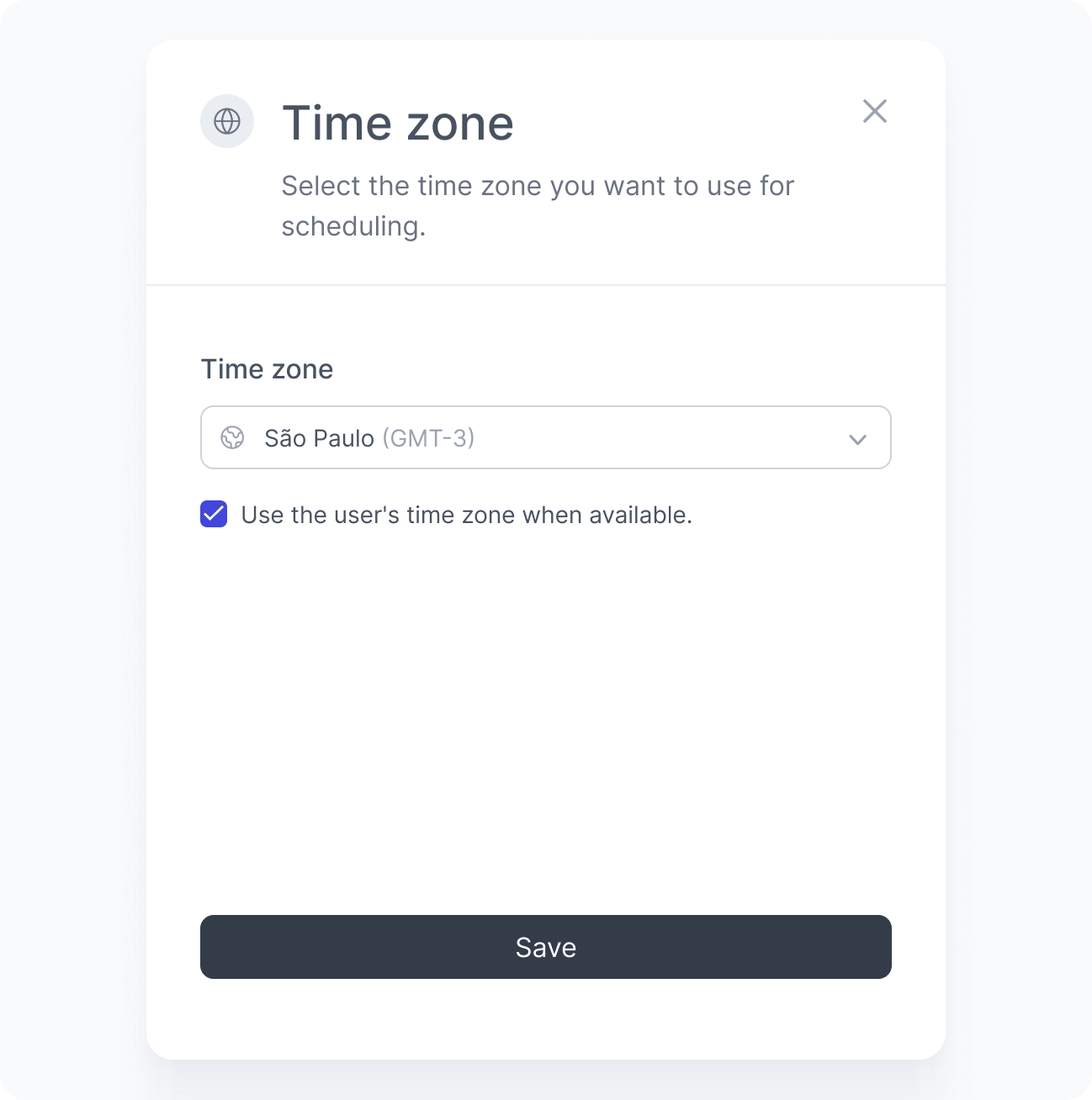
By default, scheduled actions use your workspace time zone. You can also choose to schedule based on your audience’s time zone, so that each user sees the right content at the right local time.
For example, imagine you are running a global New Year campaign scheduled to start at midnight. With the audience’s time zone selected, the experience goes live at midnight in each user’s local time zone — someone in Central European Time sees it at their midnight, someone in Eastern Standard Time at theirs, and so on across every time zone.