Experiment
Learn how to run AB tests within your experiences.
An experiment is an AB test that you can add to any experience. Instead of immediately rolling out a change to your entire audience, you can test variations, compare their performance, and make decisions grounded in data.
We use a Bayesian statistical approach to analyze results. This method calculates metrics in real time, without sampling, and updates them continuously as new data comes in.
How it works
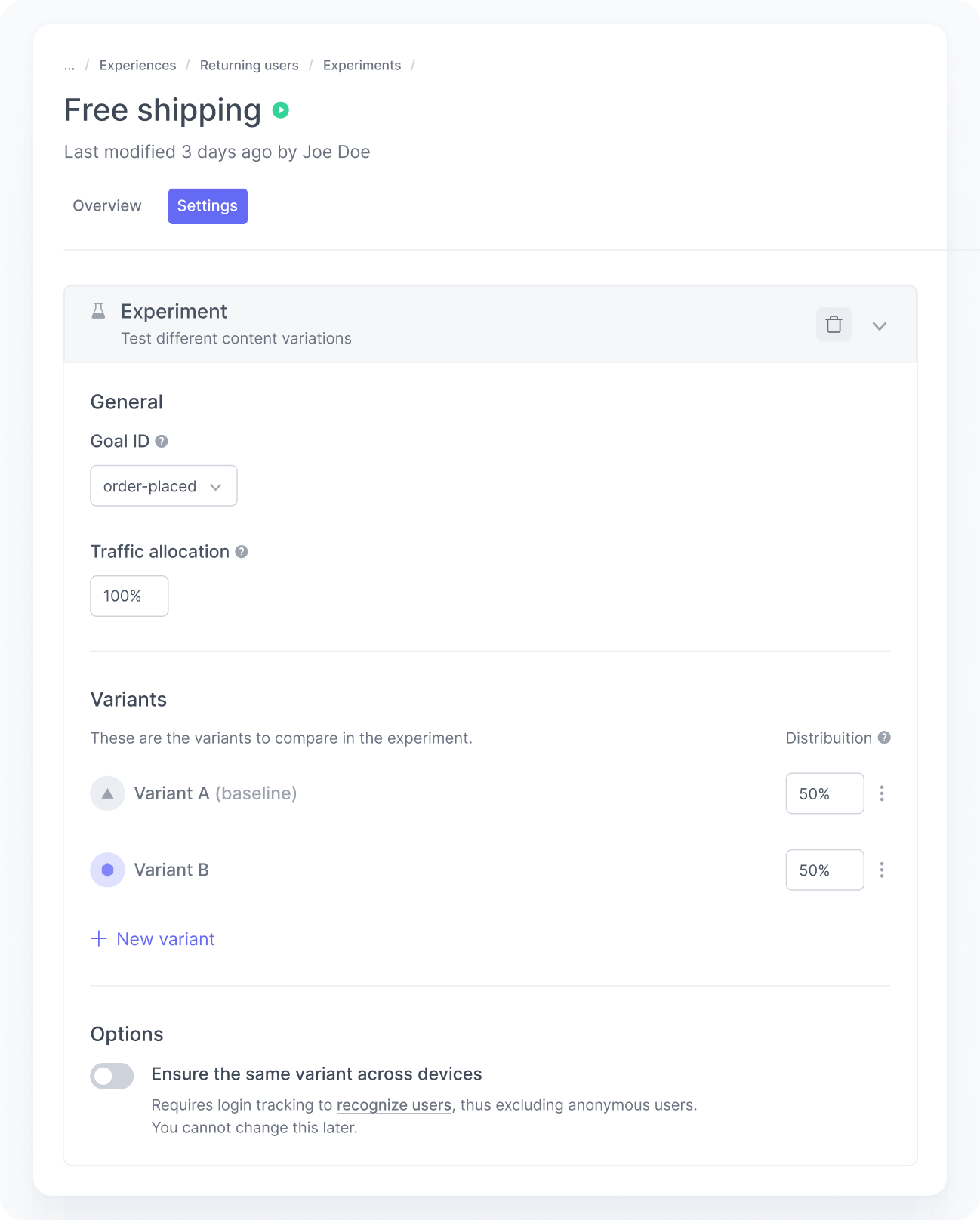
Experiments exist within an experience, so they inherit the experience’s audience and slots. You can only run one experiment per experience at a time. The audience determines who is eligible, and you can target your entire user base or a specific segment.
To set up an experiment, you define a goal, allocate traffic, create variants, and set the content for each one.
Choose the goal
Every experiment needs a primary Goal ID that represents the conversion you want to optimize, such as a sign-up, an order, or a lead form submission. This is the metric used to determine which variant performs better.
The platform suggests goal IDs you already track in your application.
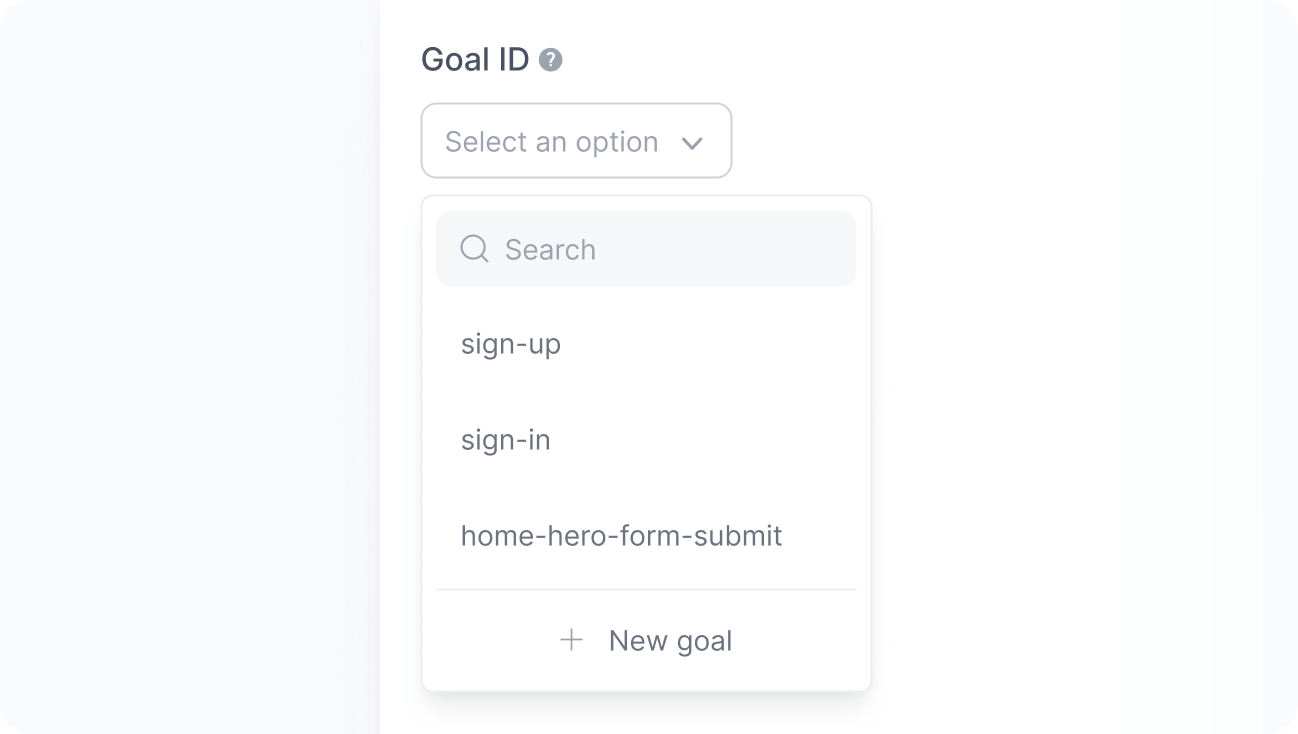
If you plan to use a new goal, make sure to implement it before starting the experiment. For example, if your goal is to increase sign-ups, set the Goal ID to sign-up and track a goal completed event with that same ID on your site.
Allocate traffic
Next, define the percentage of eligible users who will enter the experiment.
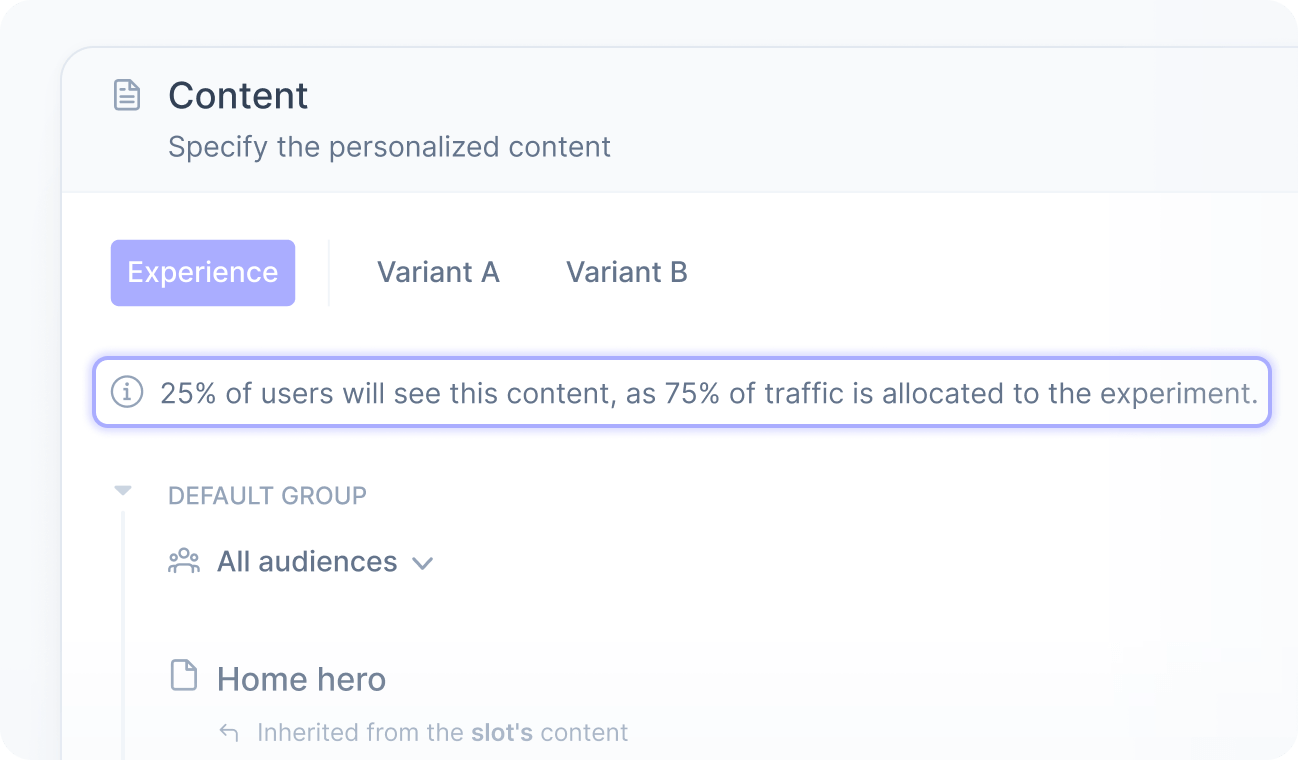
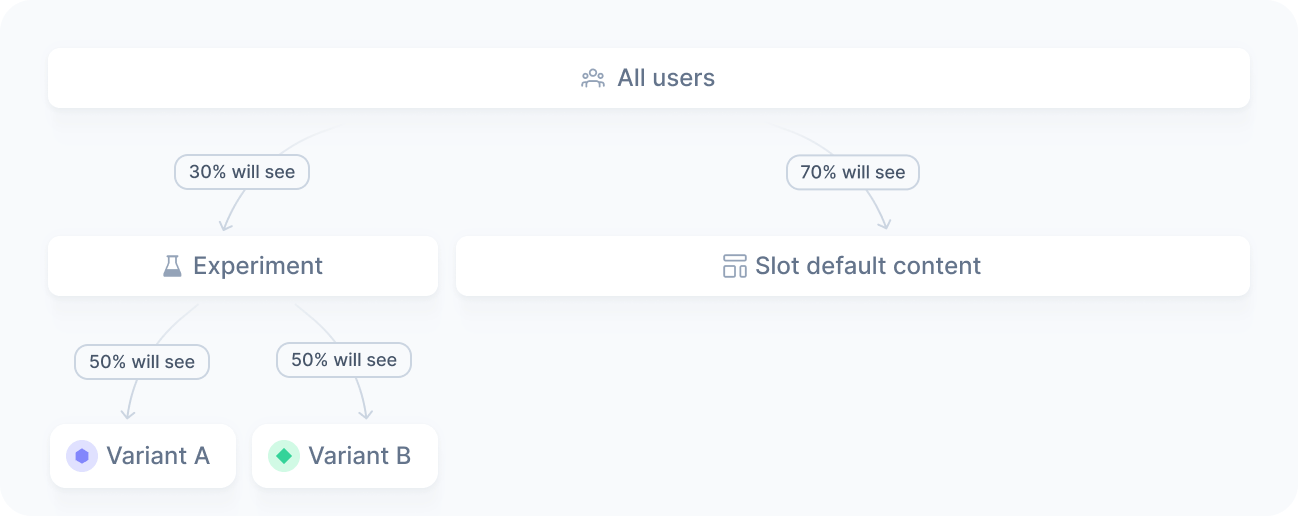
For example, if you allocate 30% of the traffic on a homepage experiment, only 30% of visitors will be assigned a variant. The remaining 70% continue to see the experience’s content.
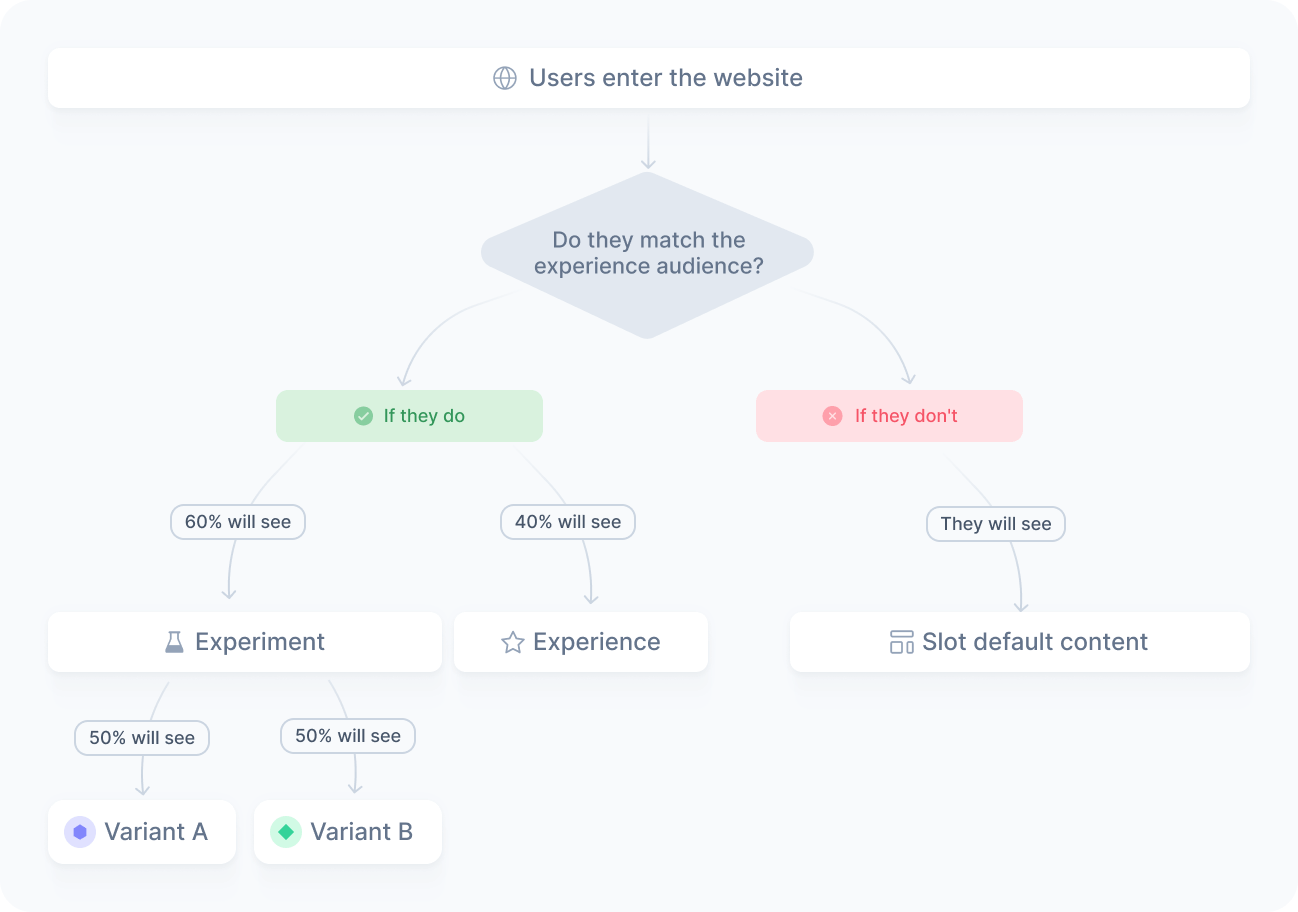
The same applies to segmented experiments. If you target returning users with a 60% allocation, 60% of matching users enter the experiment. The other 40% continue to see the experience’s content, while users who do not match the audience see the default content of your slot or other active experiences.
For niche audiences, allocate 100% to ensure you collect enough data for statistical validity. As a best practice, keep traffic allocation stable throughout the experiment to avoid skewing results.
Create the variants
Then, create at least two variants and up to five. Typically, one serves as the control group with the original content, and the others are the variations you want to test.
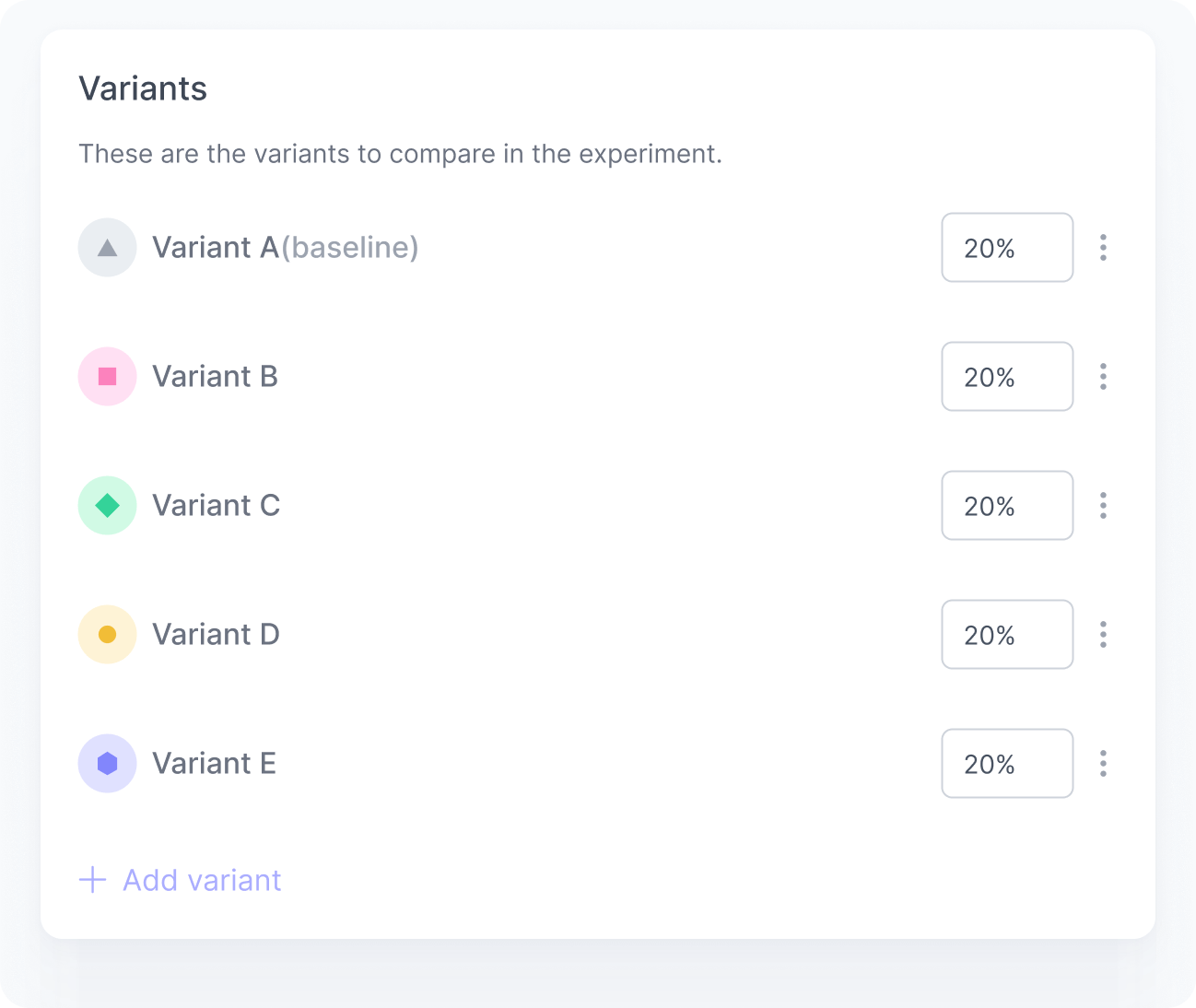
You decide what each variant displays, whether that is a different message, layout, or conversion flow. You can also reuse content from the experience or from the slot itself, so you do not need to duplicate configurations when a variant should match the existing setup. For more details, refer to Experiment content.
Changing traffic distribution or adding and removing variants during an experiment is strongly discouraged. It can invalidate the results by breaking the statistical conditions required for a fair test.
Publish
Once everything is configured and reviewed, publish the experiment. From that moment on, eligible users are assigned to variants based on your configuration. You can track the results in the experiment dashboard.
Cross-device consistency
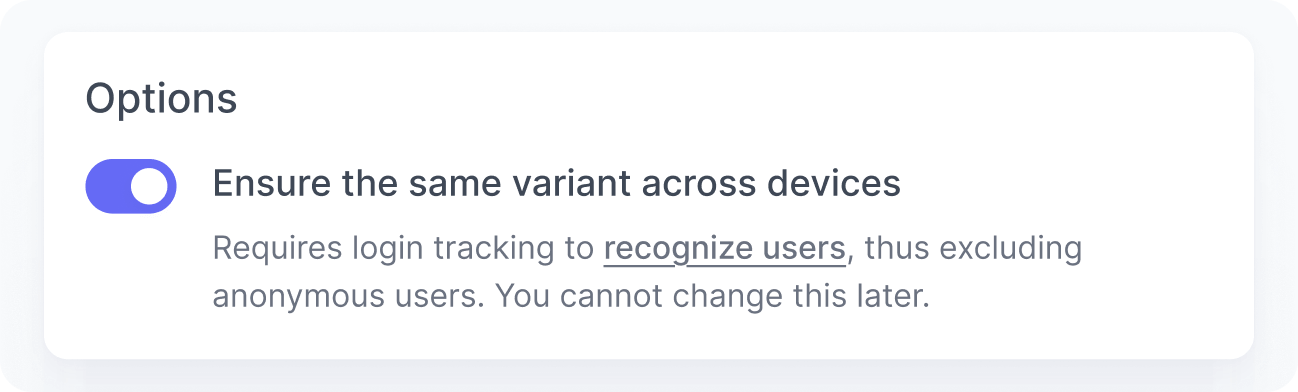
This feature relies on the user ID as the assignment key. Anonymous users do not have a persistent identifier, so their variant assignment cannot be carried across devices.
When a user is identified, we use their user ID to ensure they always see the same variant across devices. Whether the user visits from a laptop, a phone, or a tablet, their assigned variant stays the same.