Personalization for customers
Elevate customer satisfaction and increase account expansion.
Offering aggressive discounts and enticing promotions is a common strategy to attract new clients. However, it can lead to dissatisfaction among existing customers who are not eligible for these exclusive offers.
By implementing web personalization strategies, businesses can reduce friction, elevate customer satisfaction, and uncover valuable cross-selling and upselling opportunities.
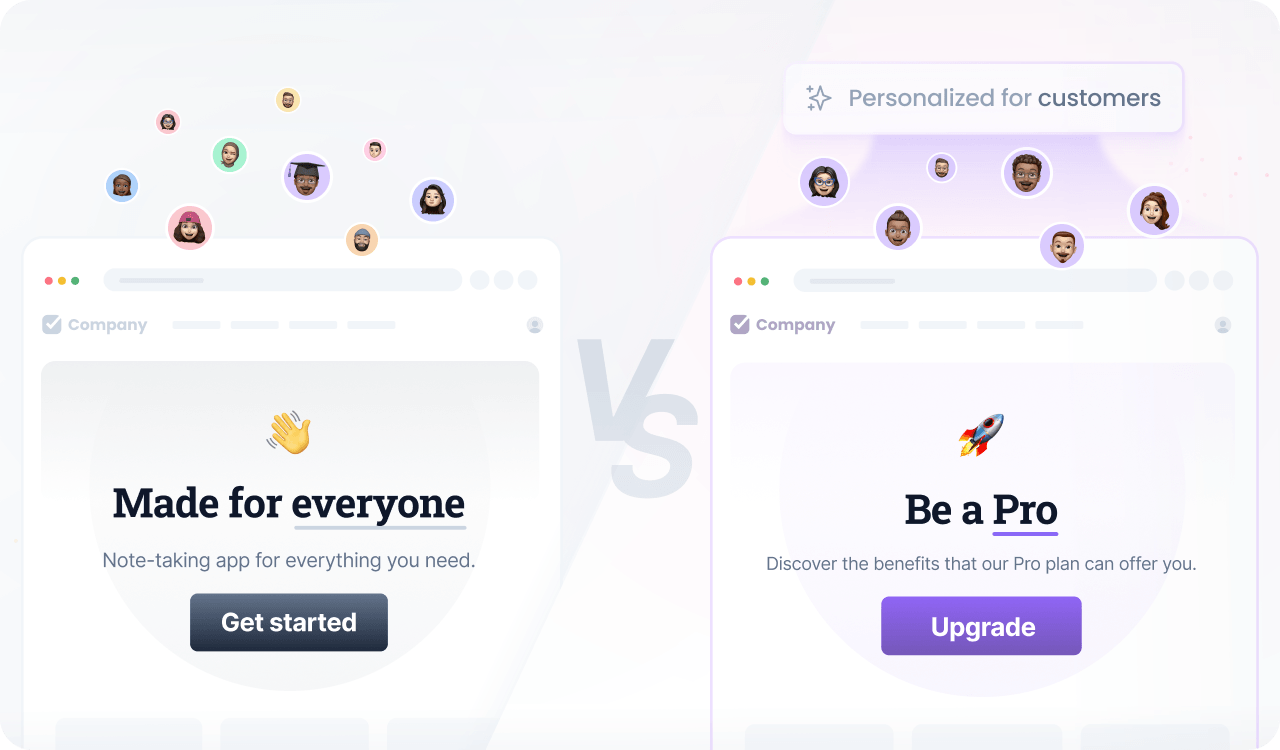
Prerequisites
Before you start, make sure you have:
- A Croct account with a workspace and application set up.
- Set up tracking for user activities or e-commerce events.
- Integrated a slot into your project.
If you have not done any of these, follow the instructions on the provided links and come back here once the setup is done.

You can use the CLI to run this template instead of manually configuring this on the interface.
Step by step
Follow this to configure your experience:
- Create an experience
Open the experiences page in the admin app and click New experience to create an experience.
- Define an audience
In the Audience tab, click New audience and define the criteria.
You can use the following criteria to segment customers based on their purchase history or account status:
user has placed an orderor user has signed upYou can increase your reach by also including visitors coming from your campaigns:
user has placed an orderor user has signed upor campaign's name matches "something" - Select the slot
Click the Slot tab and select the ones you want to personalize.
You can select multiple slots across the website to maintain consistent communication. Some popular choices are the announcement bar, hero section, and callout slots.
- Define the personalized content
Click the Content tab to specify which content should be shown to those users in the selected slots.
- Preview and publish
Publish your experience or click Preview to see the magic happen.