ABM ads-based personalization
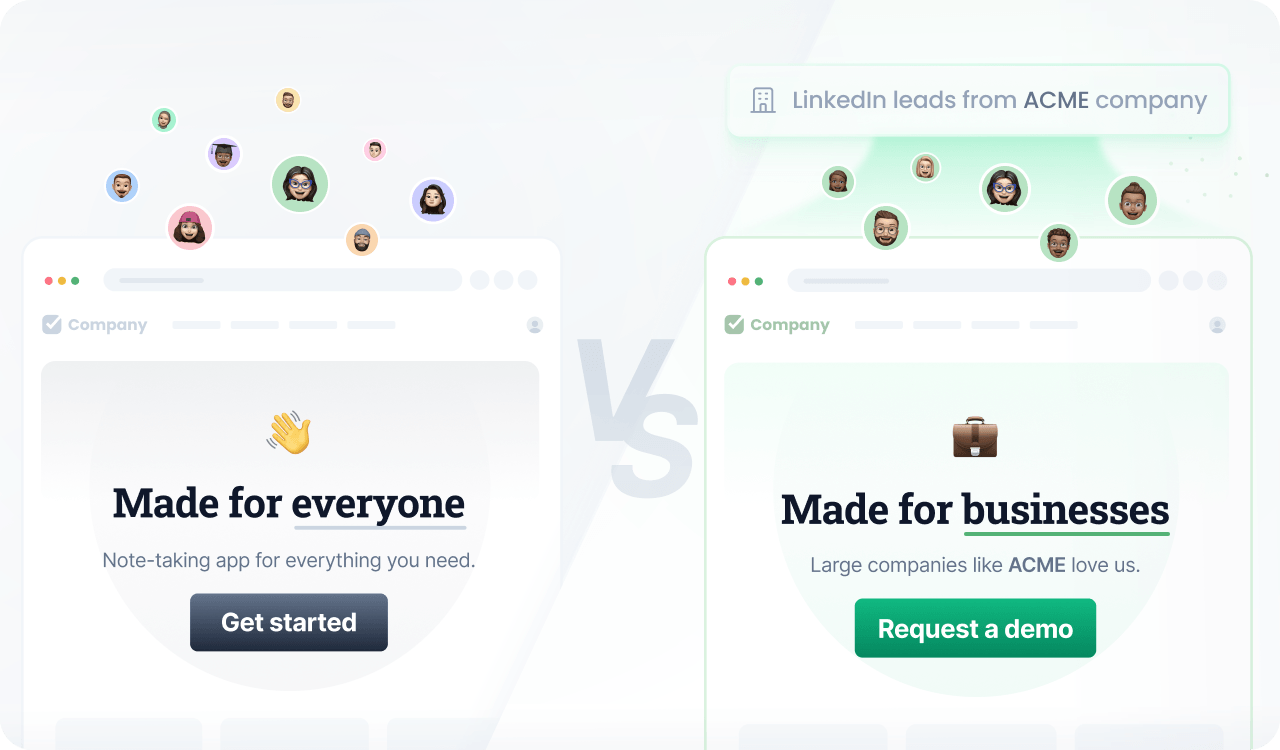
Maintain consistent messaging across B2B ads and the website.
If you work with B2B marketing, you are already familiar with account-based marketing (ABM) campaigns on platforms like LinkedIn Ads to deliver a specific message to enterprise target accounts.
ABM personalization brings this same level of relevance to your application. Instead of restricting personalization to the ad level, you can align your on-site content with the accounts you target, reinforcing your value proposition and increasing the impact of every visit.
If you use data enrichment tools like Clearbit, Demandbase, ZoomInfo, or 6sense to infer firmographic data, you can use it to reach users who visit the website organically.
Prerequisites
Before you start, make sure you have:
- A Croct account with a workspace and application set up.
- Integrated a slot into your project.
If you have not done any of these, follow the instructions on the provided links and come back here once the setup is done.

You can use the CLI to run this template instead of configuring this manually on the interface.
Step by step
Follow this to configure your experience:
- Create an experience
Open the experiences page in the admin app and click New experience to create an experience.
- Define an audience
In the Audience tab, click New audience and define the criteria.
You can identify UTM parameters like this:
campaign's source is "linkedin"and campaign's name matches "acme" - Select the slot
Click the Slot tab and select the ones you want to personalize.
You can select multiple slots across the website to maintain consistent communication. Some popular choices are the hero section, the logo cloud, and the testimonials section.
- Define the personalized content
Click the Content tab to specify which content should be shown to those users in the selected slots.
- Preview and publish
Publish your experience or click Preview to see the magic happen.