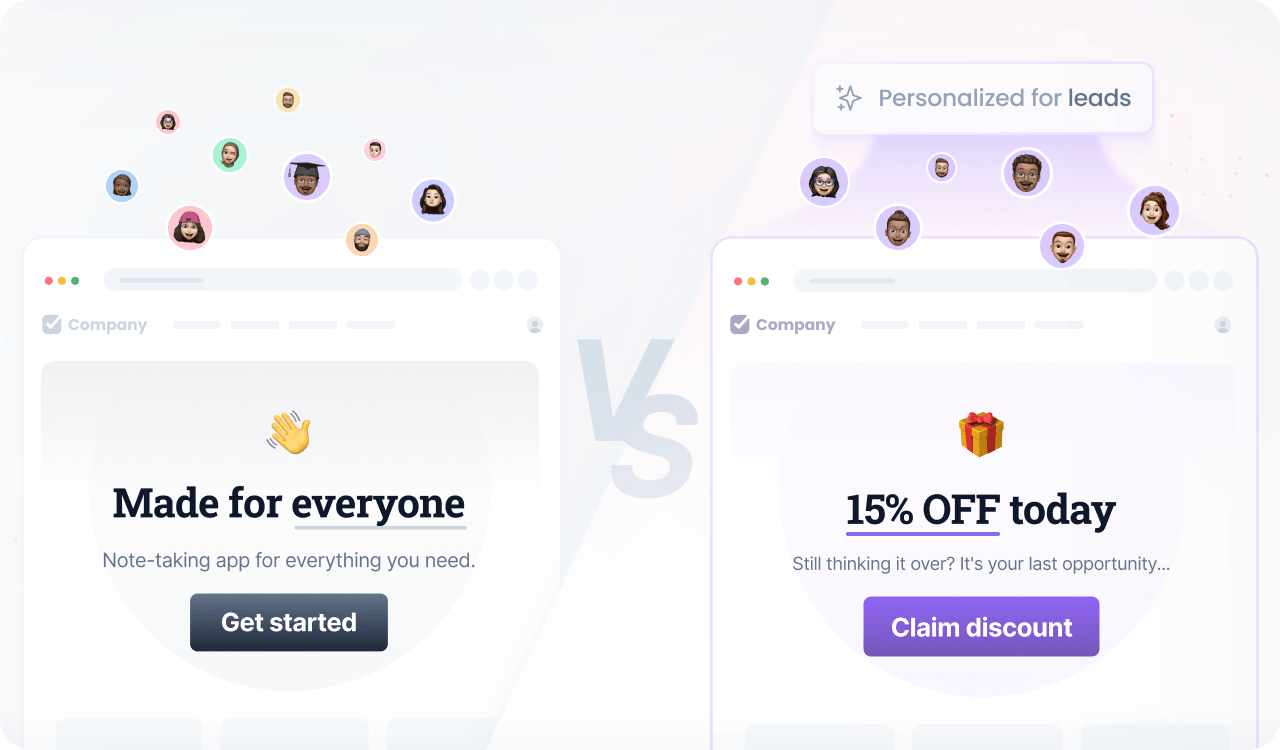
Personalization for leads
Generate interest and convert leads into customers.
Segmenting customers from leads allows you to craft tailored offers for each group.
You can generate interest and convert leads into customers by offering first-purchase discounts, showcasing relevant products or services, and providing informative content that addresses their specific pain points.
Not only does this approach enhance their experience, but it also creates new opportunities for generating additional revenue.
Prerequisites
Before you start, make sure you have:
- A Croct account with a workspace and application set up.
- Set up tracking for lead generation, user activities, or e-commerce events.
- Integrated a slot into your project.
If you have not done any of these, follow the instructions on the provided links and come back here once the setup is done.
Step by step
Follow this to configure your experience:
- Create an experience
Open the experiences page in the admin app and click New experience to create an experience.
- Define an audience
In the Audience tab, click New audience and define the criteria.
You can target visitors who became a lead but have not purchased or signed up yet by using:
user has become a leadand user has not placed an orderand user has not signed up - Select the slot
Click the Slot tab and select the ones you want to personalize.
You can select multiple slots across the website to maintain consistent communication. Some popular choices are the announcement bar, hero section, and callouts.
- Define the personalized content
Click the Content tab to specify which content should be shown to those users in the selected slots.
- Preview and publish
Publish your experience or click Preview to see the magic happen.