Free shipping communication
Tailor free shipping offers based on user location and cart value.
If you run an e-commerce business, you know how challenging it can be to communicate free shipping rules effectively. Often, the minimum purchase amount required for users to be eligible varies by city or state.
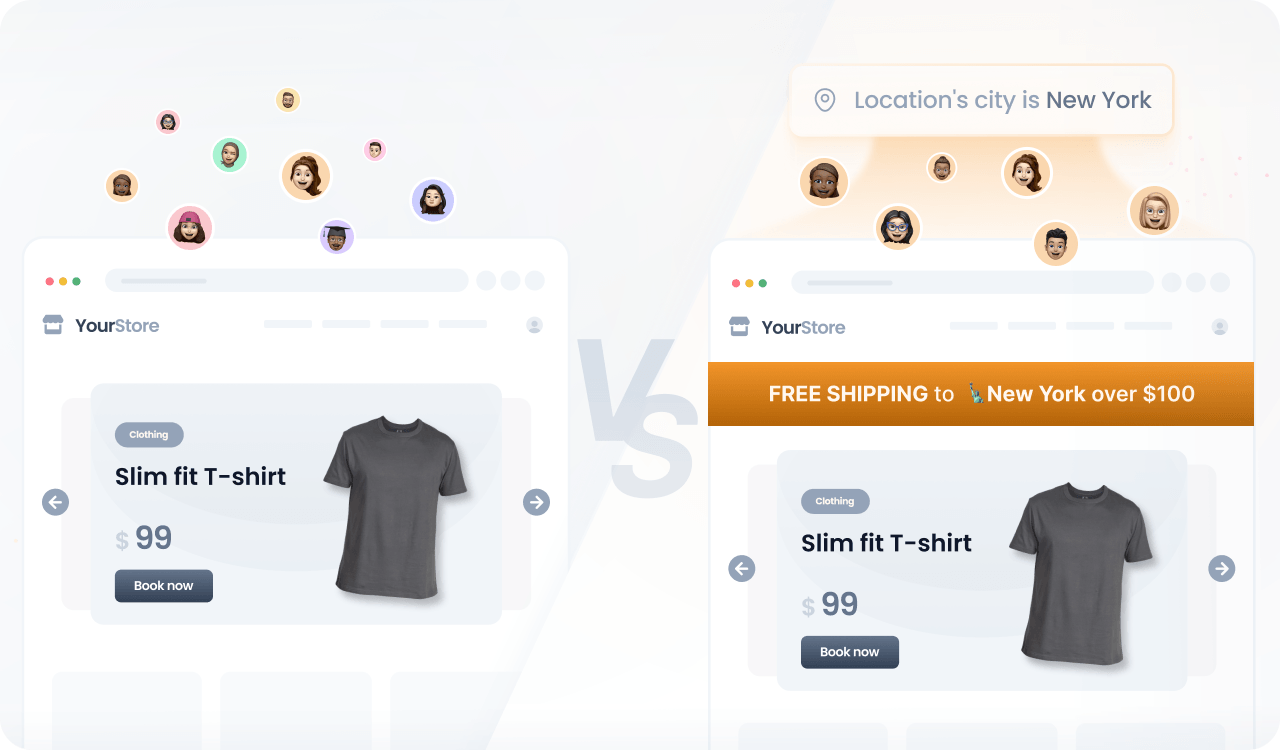
You can leverage user location and cart value to tailor free shipping experiences to each visitor, enhancing their shopping journey and driving higher sales.
Prerequisites
Before you start, make sure you have:
- A Croct account with a workspace and application set up.
- Set up tracking for e-commerce events.
- Integrated a slot into your project.
If you have not done any of these, follow the instructions on the provided links and come back here once the setup is done.

You can use the CLI to run this template instead of manually configuring this on the interface.
Step by step
Follow this to configure your experience:
- Create an experience
Open the experiences page in the admin app and click New experience to create an experience.
- Define an audience
In the Audience tab, click New audience and define the criteria.
For example, you can combine location criteria and cart data using the and operator:
location's state's code is "NY"and cart's total is less than 100 - Select the slot
Click the Slot tab and select the ones you want to personalize.
You can select multiple slots across the website to maximize the impact. Some popular choices are the announcement bar, hero section, and callout slots.
- Define the personalized content
Click the Content tab to specify which content should be shown to those users in the selected slots.
In this case, you can use something like “Free shipping to New York for orders over $100”.
- Preview and publish
Publish your experience or click Preview to see the magic happen.
If your free shipping rule includes multiple ranges, you can add multiple audiences and use content groups to specify the respective content.