Using the Storyblok app
Manage personalization and AB tests without leaving Storyblok.
Optimize by Croct is a Storyblok app that brings personalization and AB testing directly into the Storyblok interface. It lets you connect any block to a slot, so marketers can manage dynamic content without touching code.
Integrating the app
Before using the app, you need to connect your Storyblok space to Croct and add the Optimize field to the blocks you want to give dynamic capabilities. Follow the integration tutorial to get set up.
Navigating the app
Once you have installed the app and opened it within Storyblok, you will have access to a centralized interface to manage your dynamic content.
The interface is divided into four main areas:
- Dashboards: A high-level view of your website’s performance, including key traffic, engagement, and conversion metrics.
- Profiles: A list of visitors who browse the website, with their unique profile attributes and a timeline of their events and interactions.
- Audiences: A list of visitor segments defined by behavior, interests, geolocation, and more.
- Experiences: A list of your Personalized experiences and AB tests, with tools to create, manage, and analyze their performance.
Connecting blocks
Once the integration is set up, you can connect any block to a slot directly from the Storyblok editor.
Open your Storyblok story and find the block you want to use for dynamic content.
Open the block’s settings and locate the Optimize field you added during the integration phase.
Use the dropdown on the Optimize field to select the slot you want to connect.
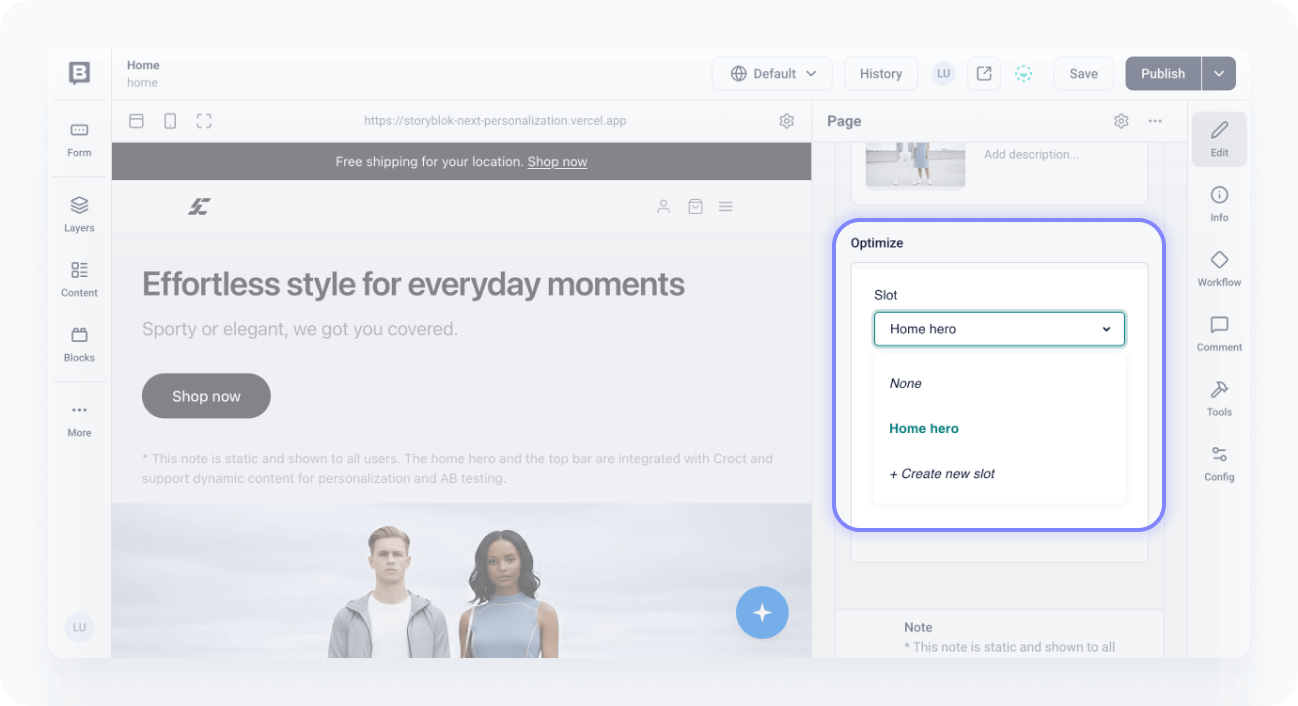
Save your changes.
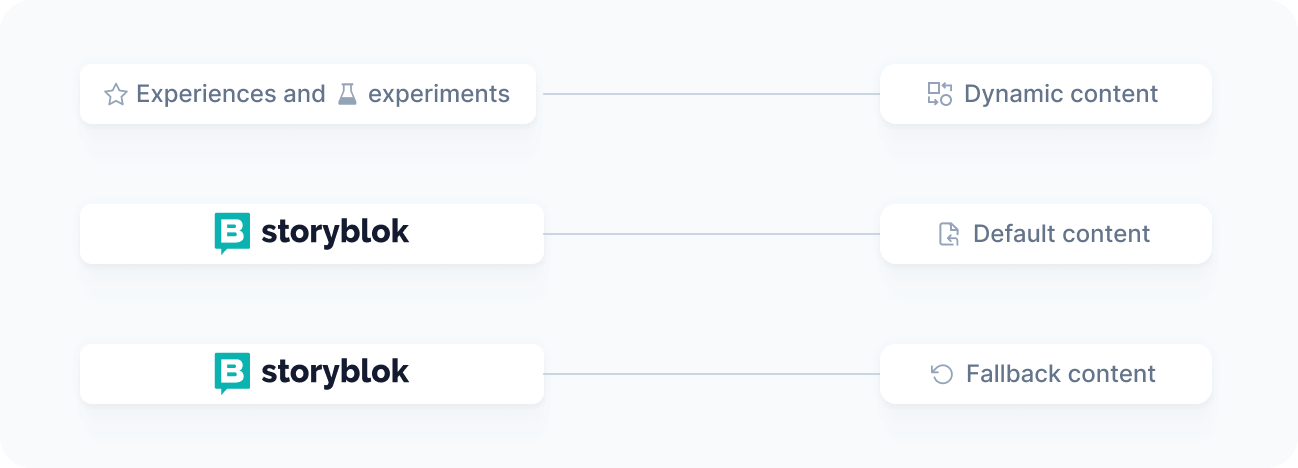
Once connected, your Storyblok content acts as the default and fallback for visitors not targeted by any active experience, while Croct automatically injects dynamic content for those who match your audience criteria.
Rich text, table, and reference fields are not supported for dynamic personalization and AB testing.
Optimizing your content
With your blocks connected to slots, you are ready to create experiences and AB tests. Refer to the get started tutorials for step-by-step instructions.
This feature is available only to accounts on the Scale plan. See the pricing page for more information.