Monthly active users
Understand how we count users.
Monthly active users (MAU) are the unique visitors your applications serve during a billing cycle. They are the volume metric behind your plan price, and your quota covers the whole organization.
We show your current usage and the date your quota renews on your billing page. The count resets on the first day of every month.
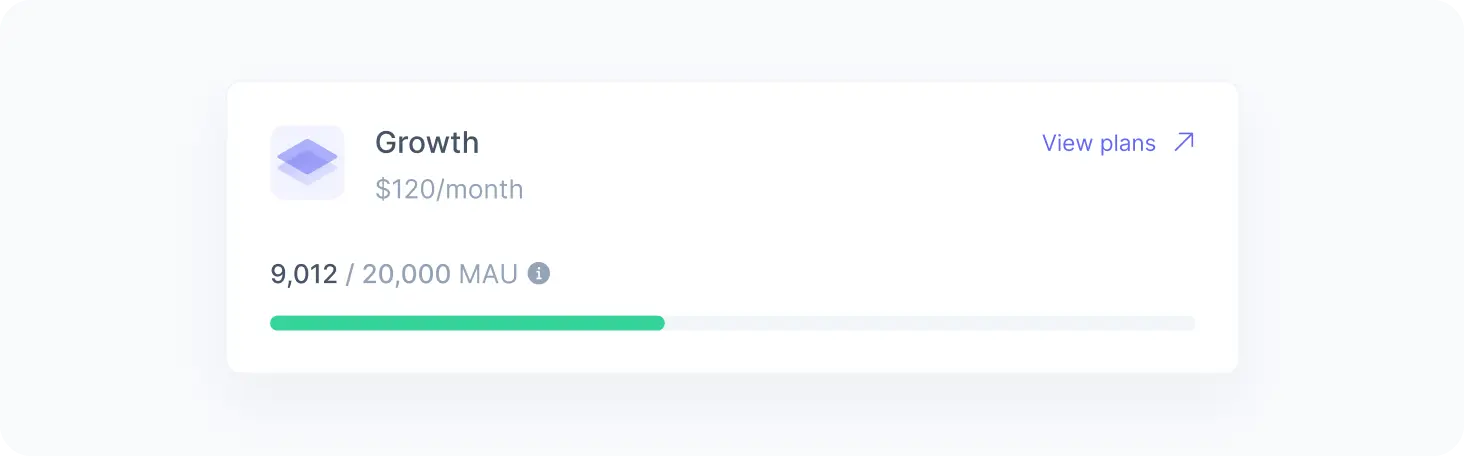
User count
We count two kinds of users:
- Identified users: Visitors your application identifies with a user ID.
- Anonymous users: Visitors your application has not identified.
Your application identifies a visitor by providing their user ID, typically after they log in. Whenever it provides the same user ID, we count the visitor as the same user, wherever they come from. When it stops providing one, we treat the visitor as anonymous again.
We recognize an anonymous visitor only where they browsed before, so the same visitor counts again when they return from another device, or from a different browser or app on the same device.
Whether we recognize an anonymous user across applications depends on each application’s anonymity scope. To keep recognizing the same visitor across subdomains, you can configure a first-party cookie with a shared parent domain.
Users live at the workspace level, so each workspace keeps its own set of users. We count each workspace separately and add up the totals against your organization’s quota, which means the same user browsing two workspaces counts twice.
Traffic from known bots does not count toward your quota when bot exclusion is enabled for the workspace.

If you use the multi-workspace model, you can connect users across workspaces and sync their profiles with identity resolution. Even so, each workspace counts them separately.
Usage
As your usage approaches the limit, we notify you by email and in the admin app so you have time to react.
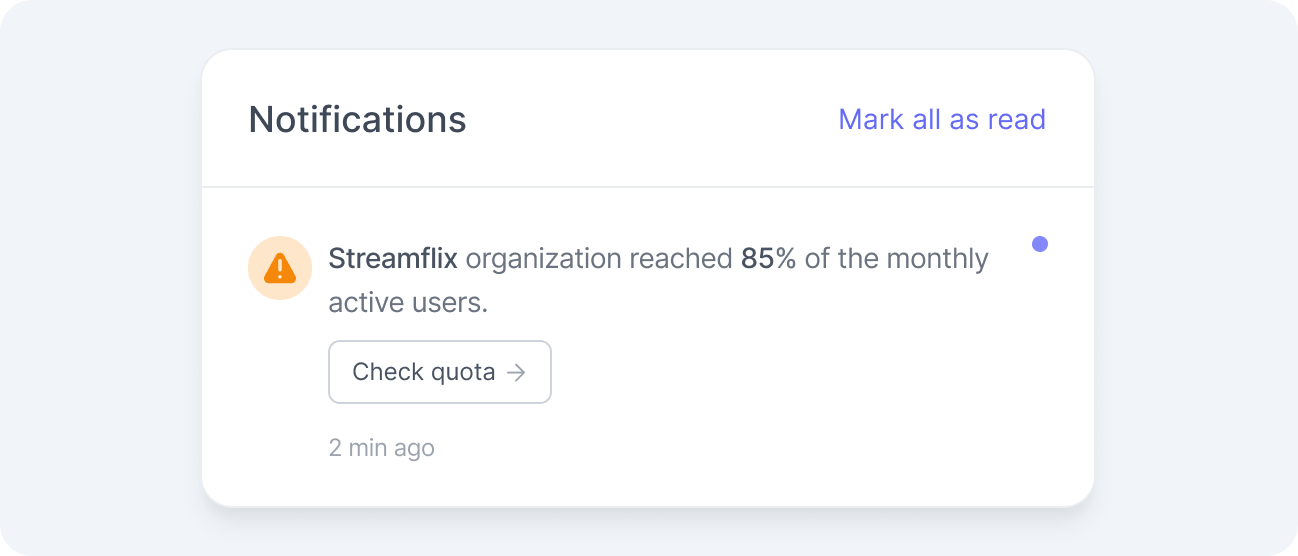
What happens when you reach 100% of your quota depends on whether you enabled pay as you grow.
When it is disabled, we keep serving the visitors we already counted this month, because serving them again does not add to your count. Visitors we have not counted yet get fallback content, and we drop their events until you upgrade your plan or a new month begins.
With pay as you grow enabled, everything keeps running, and we charge for the extra volume at the end of the month.
Reaching the limit does not remove or change any of your content or experiences. You can still access your account, and everything resumes automatically as soon as you enable pay as you grow, upgrade your plan, or enter a new billing cycle.
Pay as you grow
Pay as you grow lets your organization exceed its monthly active user quota without interrupting service.
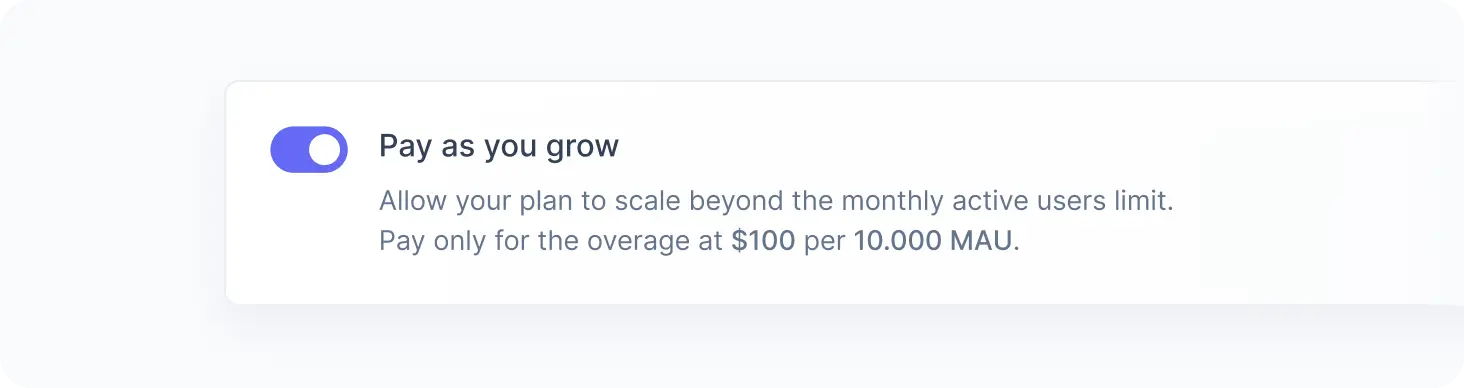
Pay as you grow is available only on paid plans. You can turn it on or off at any time from your billing page, as long as you have a registered credit card and no overdue invoices.
When you turn off pay as you grow after exceeding the limit, we still charge the overage you accumulated and block service for new users for the rest of the month.
We bill the volume above your plan limit on a separate invoice issued on the first day of the following month, whether we bill your plan monthly or annually.
When your organization consistently runs over its limit, upgrading is usually cheaper than paying overage. We highlight this on the billing page whenever a higher-volume plan would lower your costs.