Payments and invoices
Explore payment methods and invoice details.
We charge your subscription to a single payment method and bill the whole organization together. You can manage your payment method and review every invoice we issued from the billing page.
Payment methods
Every organization can pay by credit card, and we accept additional payment methods in some countries.
You can update your payment method from the billing page at any time, and we use it to charge both outstanding and future invoices.
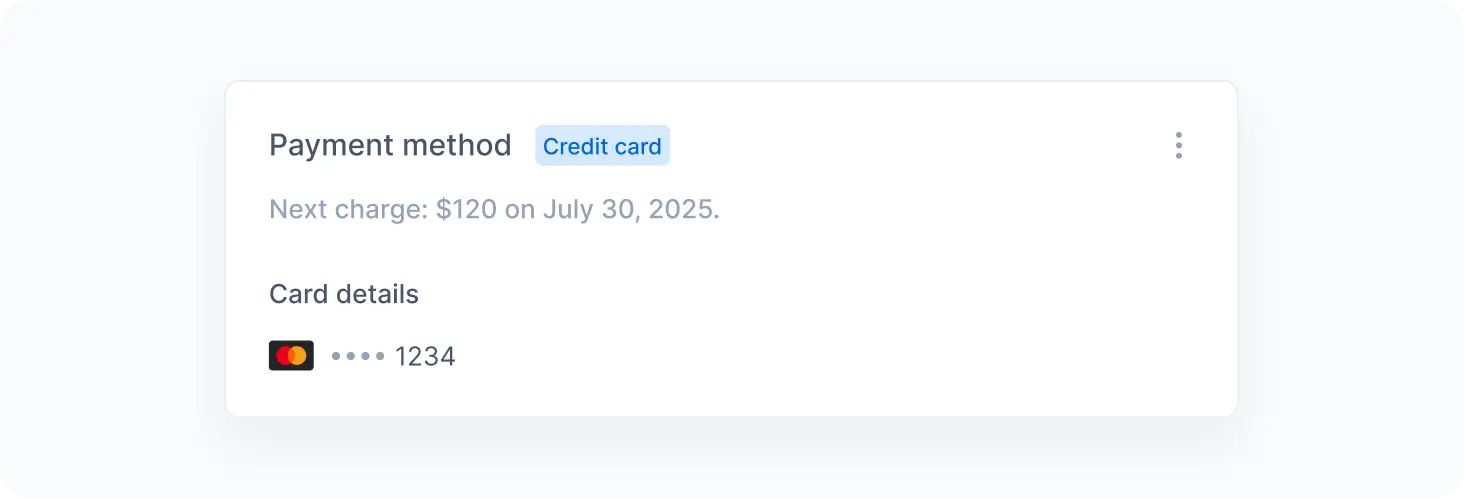
Our payment provider handles payment details directly. We only keep the information needed to identify your payment method, such as the brand and the last four digits of your card.
Invoice history
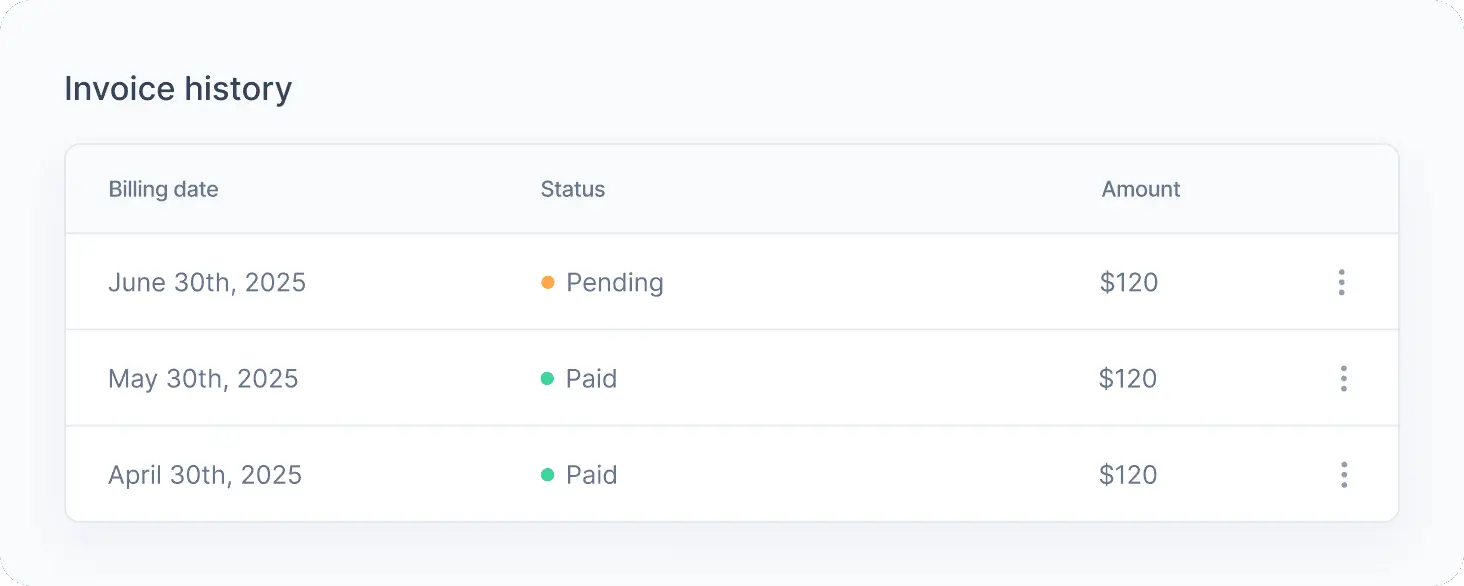
We list every invoice issued to your organization on the billing page, along with its due date, amount, and status:
| Status | Meaning |
|---|---|
| No charges | The cycle closed with no charges, as on the free plan. |
| Pending | We issued the invoice, and it is not due yet. |
| Paid | We confirmed the payment. |
| Overdue | The due date has passed, and we have not confirmed the payment yet. |
| Canceled | We canceled the invoice, and no payment is due. |
Payment issues
When a payment fails or an invoice becomes overdue, we flag it in the admin app and notify you at the registered billing email.
Common causes include an expired card, a declined charge, or an insufficient credit limit. In most cases, updating your payment method and clicking Pay now on the invoice resolves the issue right away.
Nothing stops working right after an invoice becomes overdue. After a grace period, we start rejecting requests from your applications, which then render fallback content. The admin app stays accessible throughout, so you can update your payment method and settle the balance at any time.
While an invoice is overdue, the following actions remain unavailable:
- Changing your plan or billing cycle.
- Enabling or disabling pay as you grow.
- Deleting the organization.
If you need help with a payment, please contact our support team.