Integrate Strapi with Croct
Add personalization and AB testing to your Strapi-powered site.
This integration connects your Strapi project to Croct. Strapi keeps managing your static content, while we render dynamic content on top of it, so you can run AB tests and personalize experiences without migrating your CMS or restructuring your content types.
How it works
The integration builds on Strapi’s dynamic zones. A dynamic zone is a field that lets editors combine and arrange reusable components to build a page. Each of those components is a natural unit for dynamic content, so you map the ones you want to make dynamic to a Croct slot.
A single Croct slot holds a map from Strapi dynamic zone components to Croct slots. When rendering a page, each dynamic zone component with a mapping gets its content from Croct, using the original Strapi content as fallback.
When an experience targets the visitor, we return the dynamic variant. If the request fails, the component renders your original Strapi content. That makes the integration additive: pages keep working exactly as they do today until you launch your first experience.

Your content types, dynamic zones, and editing workflow stay exactly as they are. We read nothing from Strapi and write nothing back to it, so you can adopt it one component at a time and roll back by removing a single fetchContent call.
Prerequisites
Before you start, make sure you have:
- A Croct account with a workspace and application set up.
- A Strapi project with at least one content type and component set up.
Set up the integration
If you are starting from scratch, this demo gives you an example of a working project.
From your project, run the CLI. It detects your setup, installs the SDK, and wires the provider and middleware for you.
npx croct@latest initIf you prefer to set things up by hand, choose your SDK and follow the manual instructions.
Create components and slots
A Croct component defines the content structure that mirrors your Strapi schema, and the slot is the placeholder your application fetches content from. Follow this tutorial to create both for each component you want to make dynamic.
The Croct component must mirror your Strapi component’s structure, using the same attribute names, so that dynamic content and your Strapi content are interchangeable in the same component.
Map your dynamic zones
A single Croct slot holds a map from Strapi dynamic zone components to Croct slots. Follow the same tutorial to create your dynamic zone component using the following attributes:
| Attribute | Description | Type | Required |
|---|---|---|---|
| map | The list of pages and maps of dynamic zones to slots. | List of structure | Yes |
| map[*].slug | The slug of the page as defined in Strapi. | Plain text | Yes |
| map[*].sections | The list of the sections that should be connected. | List of structure | Yes |
| map[*].sections[*].component | The ID of the component as defined in Strapi. | Plain text | Yes |
| map[*].sections[*].slot | The ID of the slot as defined in Croct. | Plain text | Yes |
For the component and slot attributes, select the Not empty option and use the pattern ^[a-z0-9_-]+$.
Then, create the slot home-page-dynamic-zones to map the pages and sections you want to connect to Croct.
Finally, follow this example to implement your dynamic zone mapping in the source code.
Decide where default content lives
Croct and Strapi can both serve the default content visitors see when no experience or AB test targets them. Choosing which side owns that layer is a structural decision.
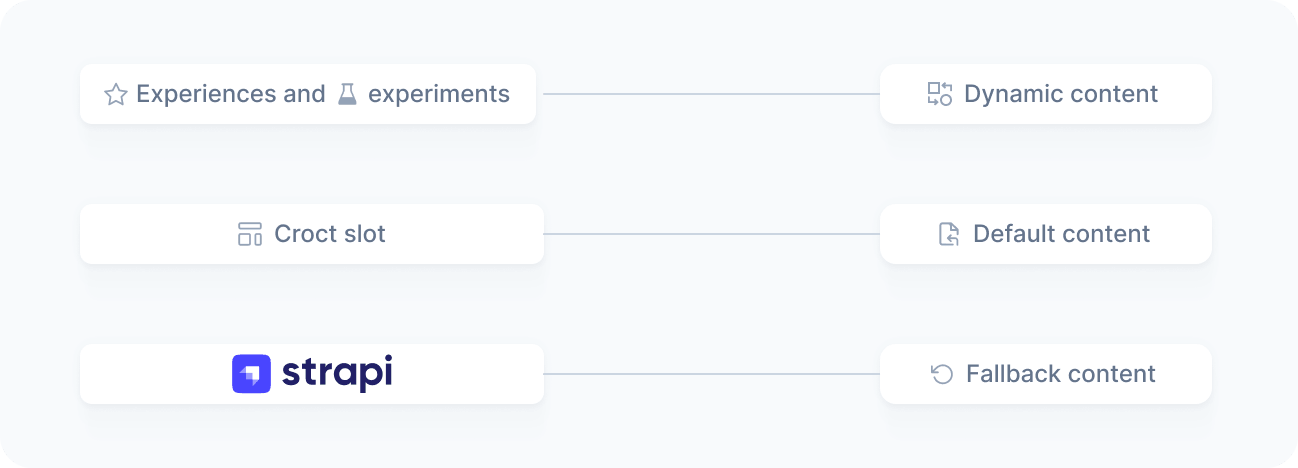
Default content in Croct
In the recommended approach, we serve both default and dynamic content, while Strapi serves as the fallback. Once a dynamic zone component is connected, your team manages all of its content in Croct rather than in Strapi. That is what the mapping example does: it merges the content Croct returns over the original Strapi component content.
const {content} = await fetchContent(mapping.slot, {  preferredLocale: params.locale,  fallback: zone,});
return {...zone, ...content};Keeping the default content in Croct makes experiences and AB tests faster to configure: you can copy the content from the slot and use it as a base, editing only the attributes that should change instead of filling out the entire content every time.
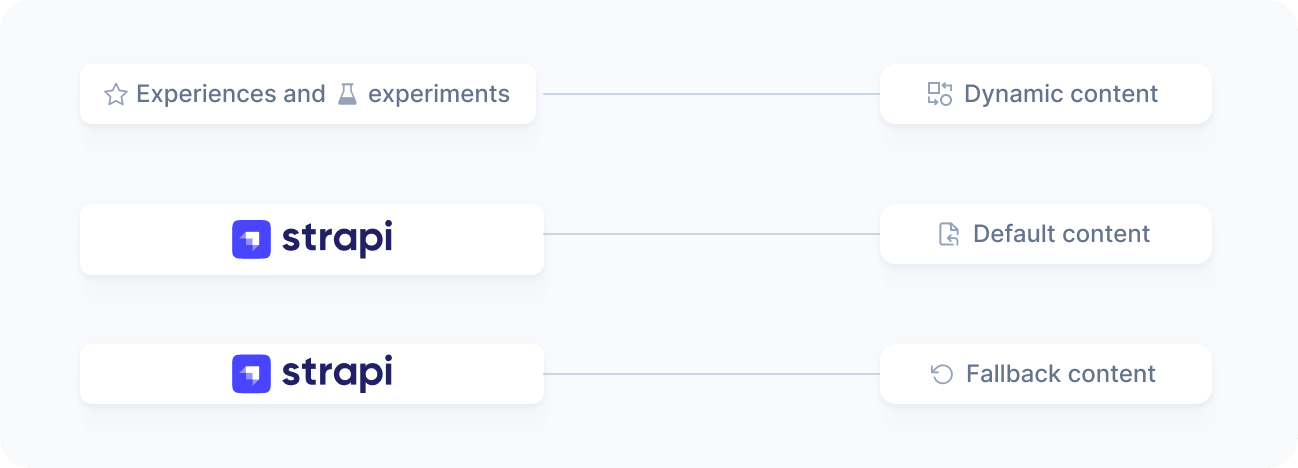
Default content in Strapi
In the alternative approach, we serve only the dynamic content, while Strapi serves both the default and the fallback. Once a dynamic zone component is connected, your team keeps managing default content in Strapi and manages only experience and AB test content in Croct. Teams often prefer this so their editorial workflow stays mostly unchanged once Croct comes into play.
To implement it, check where the content came from before rendering it. When the metadata.contentSource value is slot, the request matched no experience or A/B test, so the result contains no dynamic content, and your Strapi content should be rendered instead.
const {content, metadata} = await fetchContent(mapping.slot, {  preferredLocale: params.locale,  fallback: zone,});
// Use the Strapi content unless Croct returned dynamic contentreturn metadata?.contentSource === 'slot' ? zone : {...zone, ...content};
Verify the integration
Once the SDK is running, confirm that dynamic content reaches your site:
- Open your application
Load a page that renders the connected component. You should see the default content.
- Launch a personalized experience
Create and publish a personalized experience or an AB test targeting the connected slot.
- Confirm dynamic content
Reload the page as a visitor who matches your audience. You should see the dynamic content instead of the default.