Top audiences
Learn which audiences your active users match with.
Automatically tracked
The SDK automatically tracks the events that feed this widget.
This widget shows the audiences with the most user matches during the selected period and helps you understand the dominant segments within your active user base.
Metrics
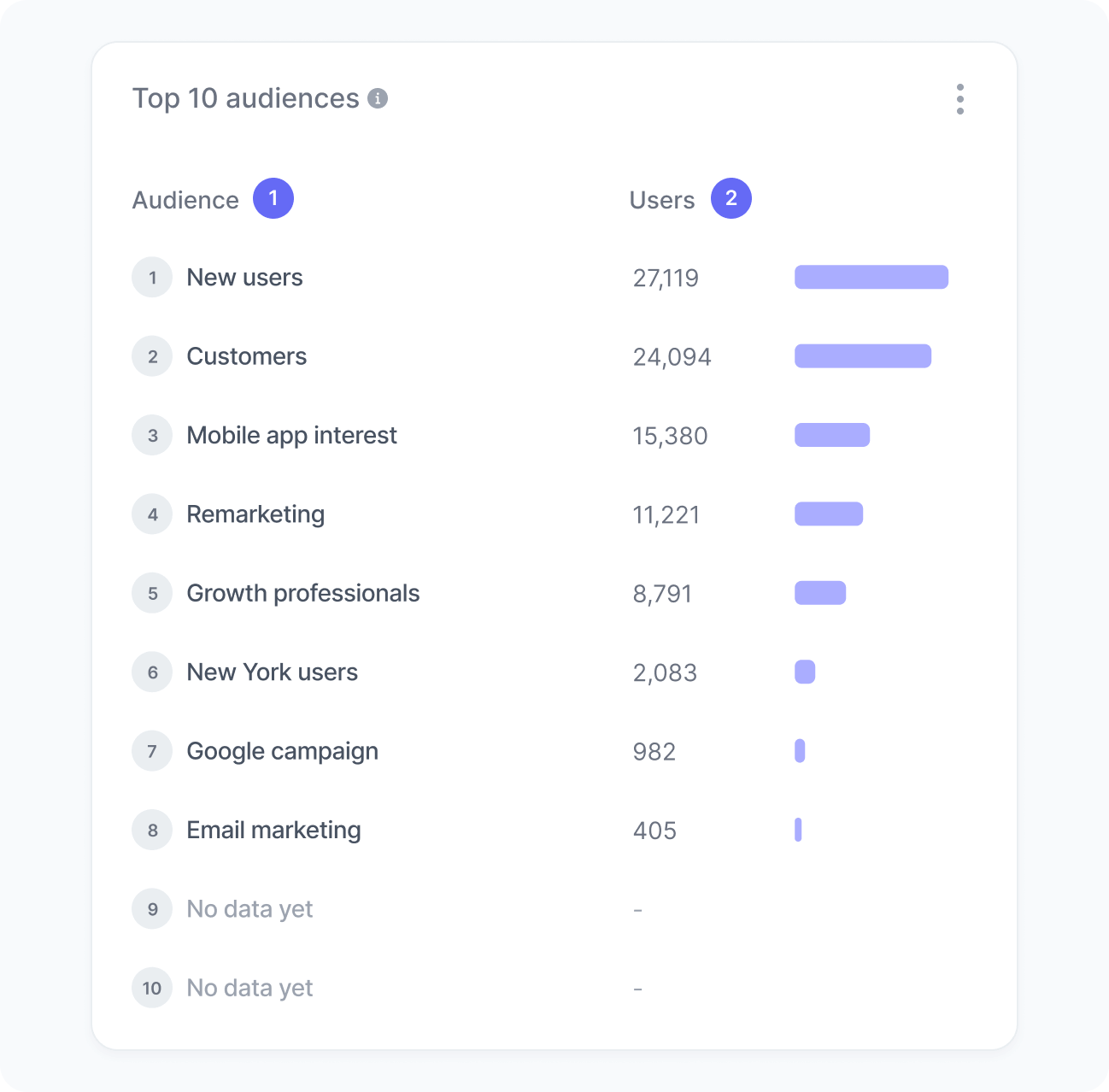
The chart includes:
- Audience
The name of the audience users matched with. - Users
The total number of active users who matched the audience during the selected period.
Interpretation
This chart shows which segments are most active in your workspace.
For example, if “Returning visitors” appears among the top matches, you might highlight special offers, adjust recommendations, or launch campaigns for that group.
What the number tells you
Here are some common insights you can get from this widget:
- High match counts indicate broadly relevant conditions, making them good candidates for personalized experiences or experiments.
- Low match counts suggest the audience is narrow or rules are too restrictive.
- Even distribution across audiences indicates diverse user personas worth exploring with segmented experiments.
- Changes over time reveal shifts in behavior, such as more returning visitors, rising demand for a category, or seasonal trends.