Lead conversion rate
Understand how effectively your application converts visitors into leads.
Track the Lead generated event to feed data into this widget.
This chart displays the percentage of sessions in which users became leads during the selected period.
This metric helps you evaluate how well your pages, forms, and lead-generation touchpoints are performing. Whether you are optimizing a landing page, testing different CTAs, or running marketing campaigns, this chart gives you clear visibility into conversion efficiency across your application.
Metrics
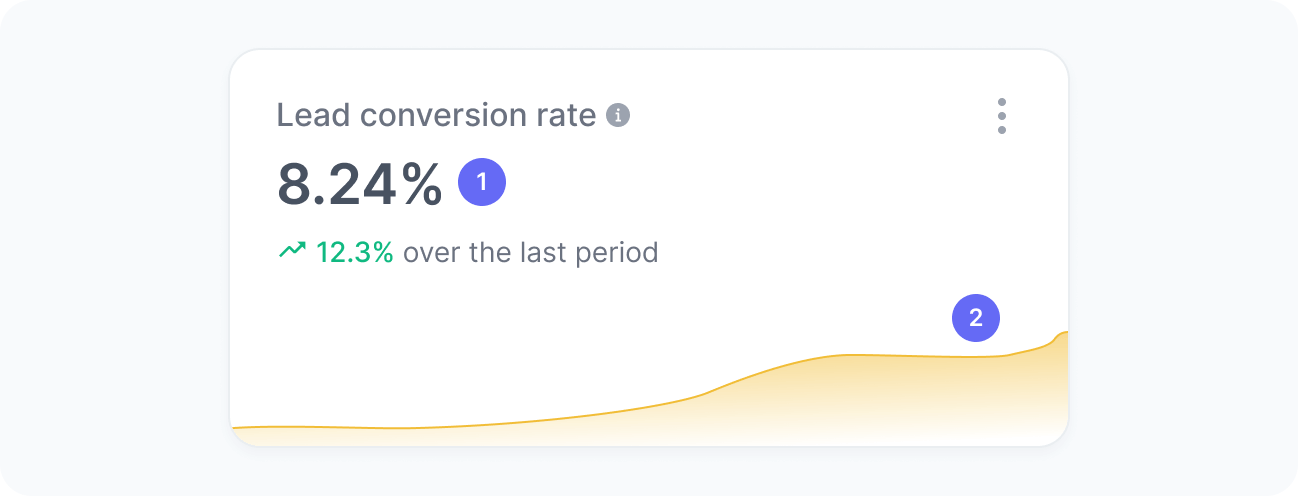
The chart includes:
- Lead conversion rate
The percentage of sessions that resulted in a lead. - Lead conversion rate over time
A trend chart showing how the conversion rate evolved over time.
Interpretation
Imagine that, during the selected period, your application had 5,000 sessions in total. Out of those, users in 150 sessions submitted a form or completed another lead-generating action. This means your lead conversion rate is 150 divided by 5,000, resulting in a 3% lead conversion rate.
We calculate this metric using the formula:
What the number tells you
Here are some common insights you can get from this widget:
- A rising lead conversion rate typically indicates improvements in messaging, form usability, content relevance, or traffic quality.
- A declining rate may suggest friction in your forms, changes in user intent, technical issues, or lower-quality traffic entering your site.
- Comparing conversion rates before and after changes (such as experiments, UX updates, or marketing campaigns) helps you measure real impact on lead generation.