Filters
Learn how to use filters in the application dashboard.
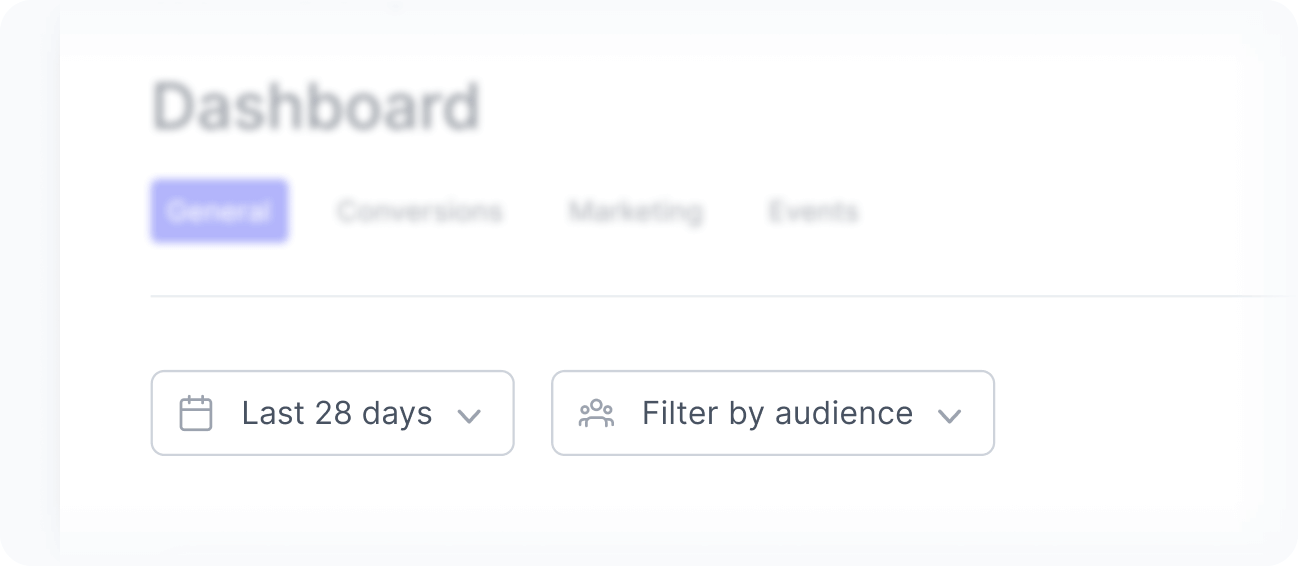
Filters help you control the time frame and scope of the data displayed in the application dashboard. By adjusting these filters, you can focus your analysis on specific periods or audiences and better understand how user behavior evolves across your application.
Filters apply to all widgets but Online users, which always shows the number of users active in your applications in the last 30 minutes.
Date filter
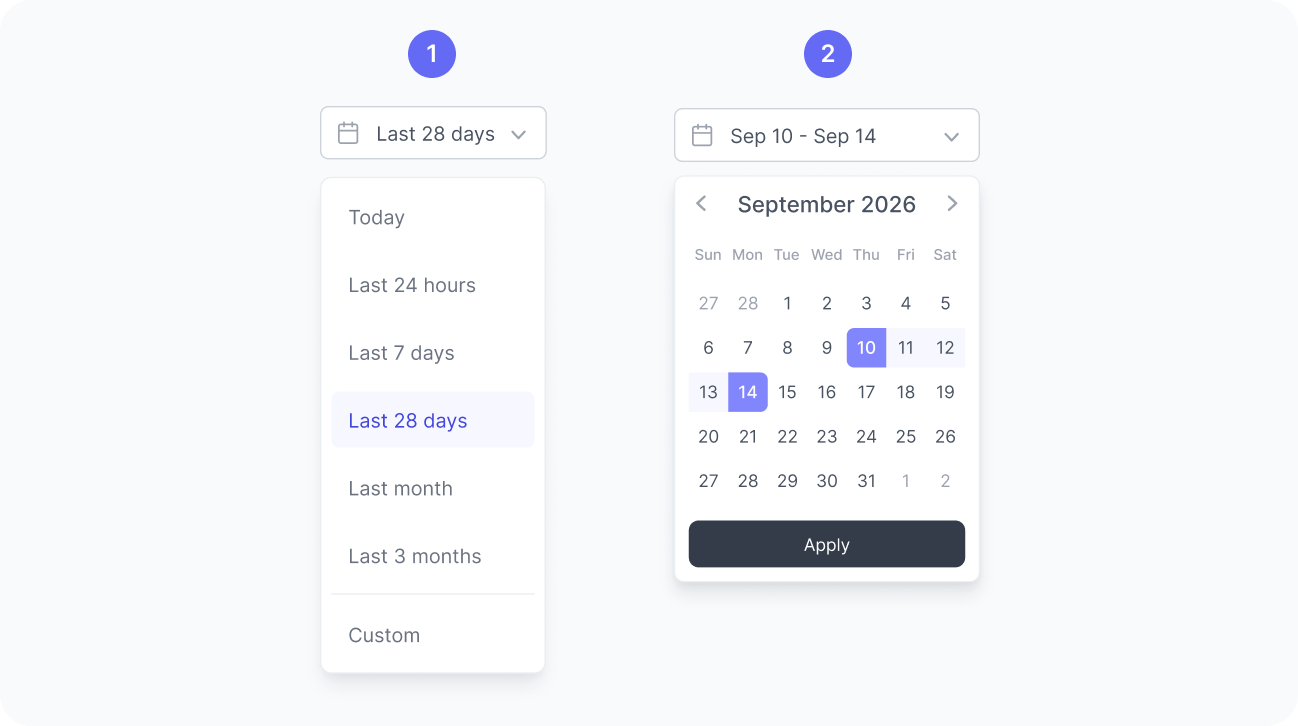
By default, the dashboard displays data from the last 7 days, but you can also choose from other predefined ranges, such as today, last 14 days, or last 28 days, or define a custom date range like September 10 to 14.
Audience filter
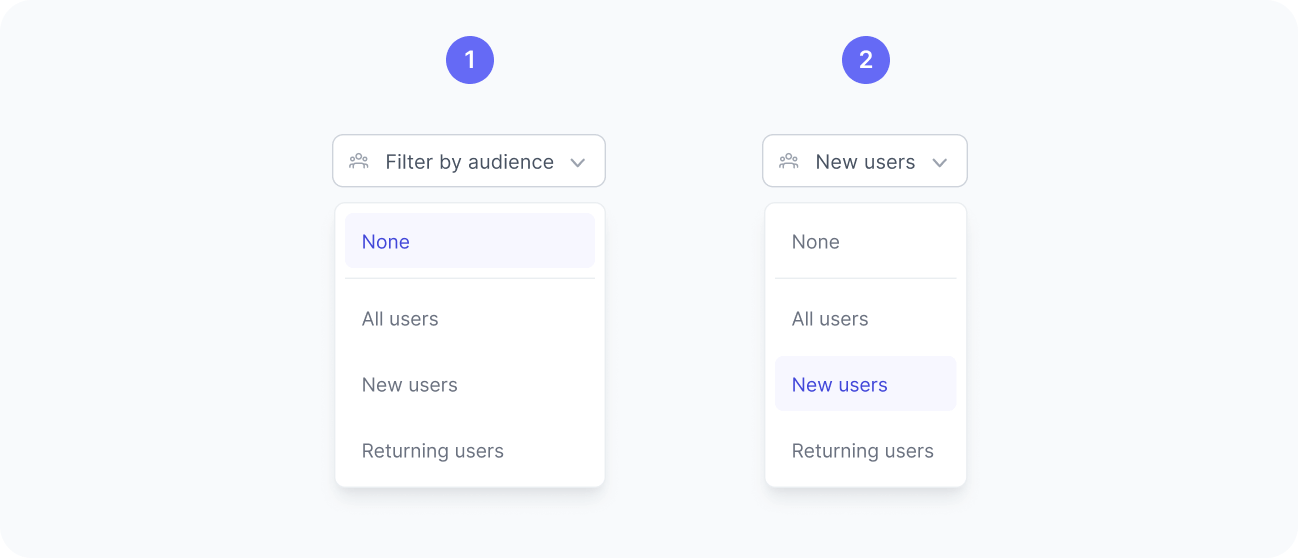
Once visitors start matching your audiences start receiving matches, they become available in the audience filter. When an audience filter is applied, the dashboard updates to display data only from users who matched that audience, helping you understand how a specific group behaves across your application.