List schema
Learn how to define schemas for lists.
List schemas describe collections of items such as lists of tags, images, or products.
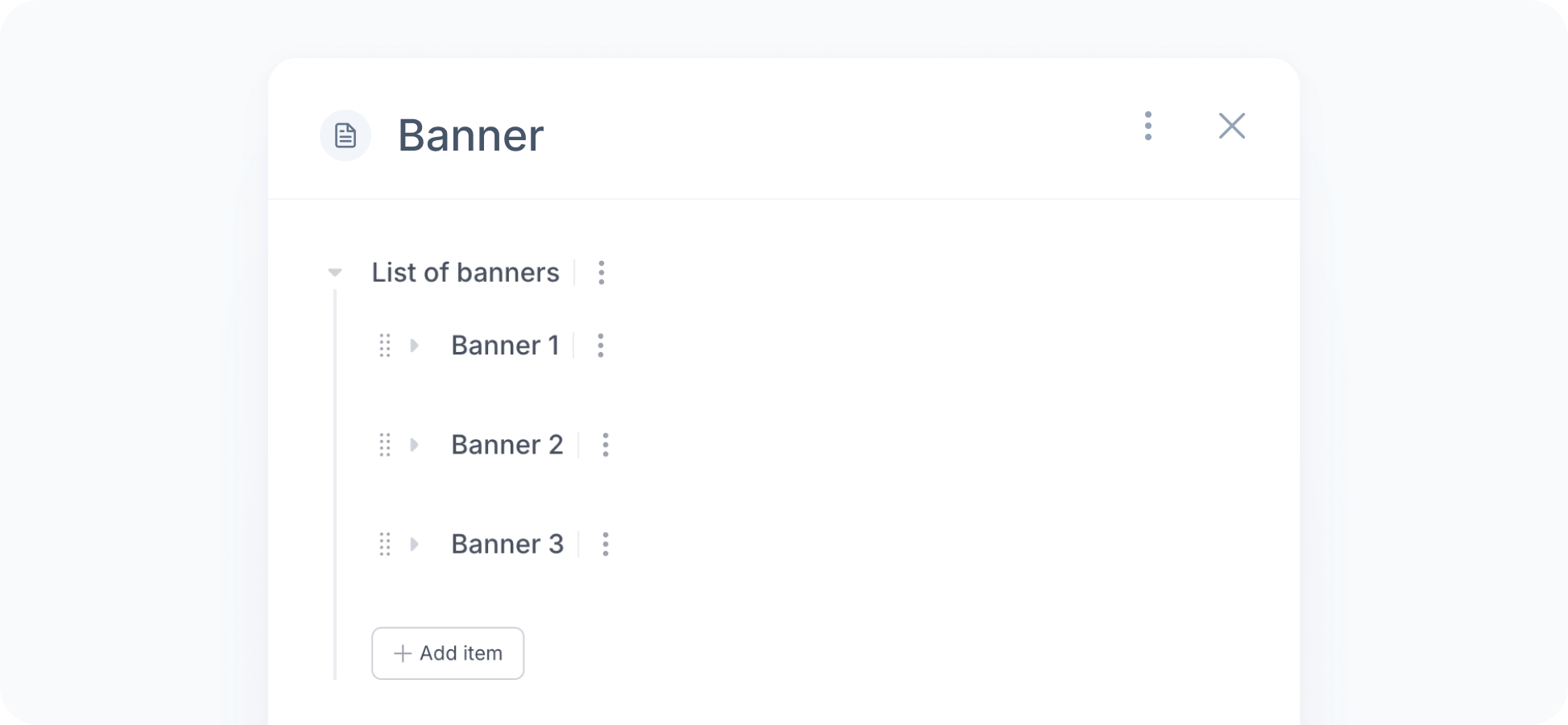
The input for a list schema is a list of fields that allows adding, removing, and reordering items.
You can also customize item labels to make the content easier to identify. By default, items are numbered sequentially (Item 1, Item 2, etc.), so renaming them helps you see what each one represents at a glance.
Examples
Below are some examples of list schemas:
{ "type": "list", "items": { "type": "text" }}Properties
The following properties are available for list schemas:
- typestring
The type of the schema. Always list for list schemas.
- items
The schema of the items in the list.
- itemLabel(optional)string
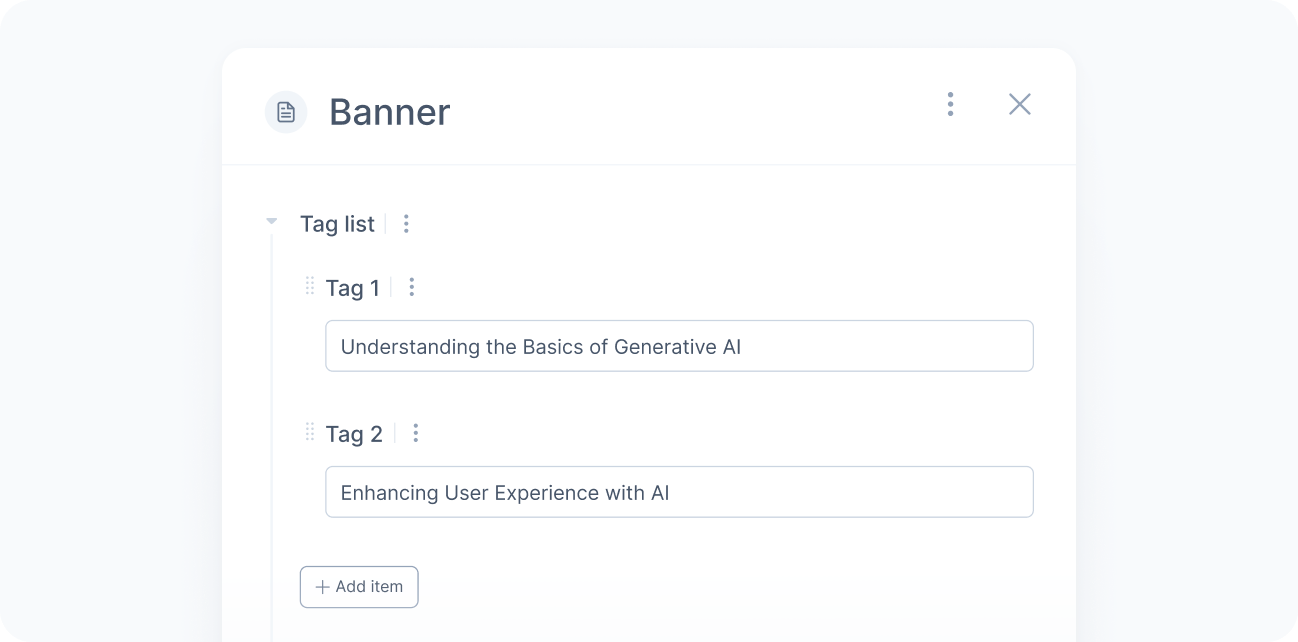
A label to prefix each item in the list, up to 60 characters. For example, “Tag” for “Tag 1”, “Tag 2”, and so on.
- minimumLength(optional)number
The minimum number of items (inclusive).
Default:0- maximumLength(optional)number
The maximum number of items (inclusive).
Default:30