Integration
Learn how to integrate Croct into your Shopify Hydrogen project.
The fastest way to get started is through our CLI. If you prefer to set it up manually, check out the step-by-step instructions.
Run the command
The recommended way to install the SDK is to use the Croct CLI.
npx croct@latest initThat’s it! You can now jump to the part where you render your first slot.

The CLI detects whether your storefront runs on React Router 7 or Remix and wires the integration accordingly, so the steps above are the same either way. See the manual installation guide for the details specific to each setup.
Check your integration
If you open your application now, it should start sending events.
To check if your integration is working, go to the Integration page of your application.
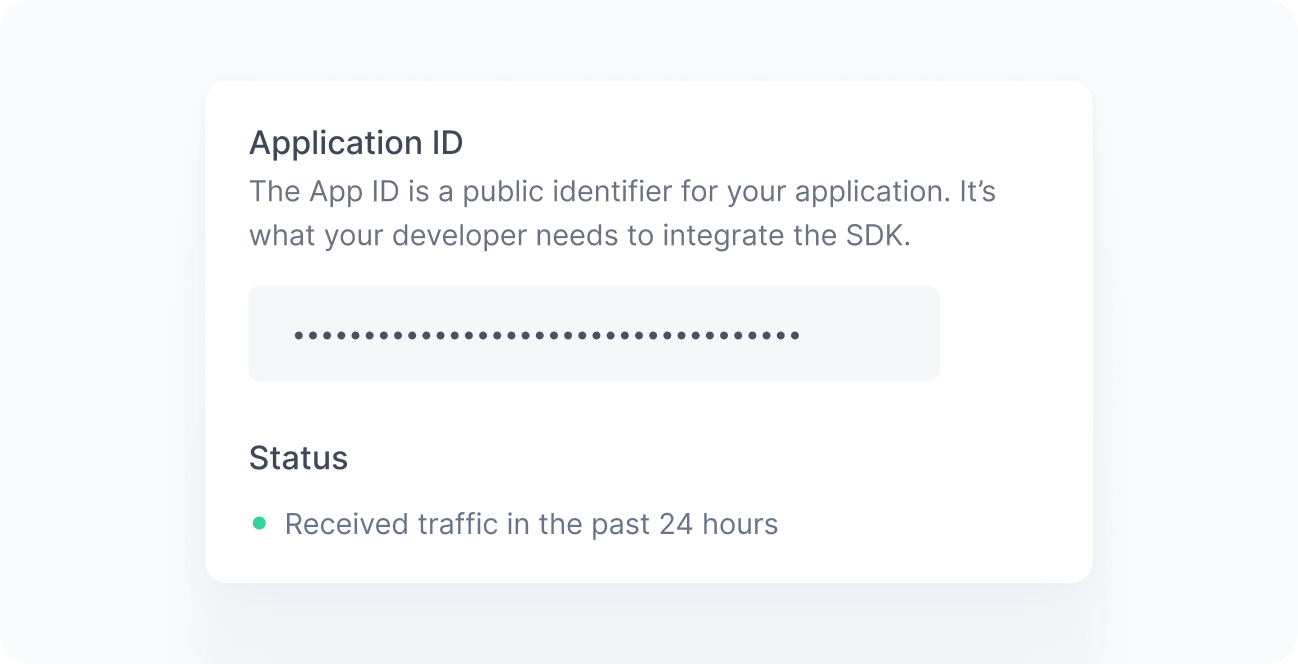
When working correctly, you should see a green bullet next to the Status label saying “Received traffic in the past 24 hours”. If you still do not see this message after a few minutes, see the Troubleshooting reference.