Manual installation
Learn the steps to manually integrate Croct into your Vue project.
The following guide gives you a step-by-step overview of how to install and initialize the SDK in your project.

The CLI can fully automate the integration process for you. Check out the integration guide to get started faster.
Install the SDK
Run the following command to install the SDK:
npm install @croct/plug-vueInstall the plugin
Create the Croct plugin using createCroct and install it on your Vue application, setting the appId option to your Application ID.
import {createApp} from 'vue';import {createCroct} from '@croct/plug-vue';import App from './App.vue';
const app = createApp(App);
app.use(createCroct({  appId: 'APPLICATION_ID',}));
app.mount('#app');
You can find the Application ID on the Integration page of your application. For a list of all available options, refer to the createCroct documentation.
Check your integration
If you open your application now, it should start sending events.
To check if your integration is working, go to the Integration page of your application.
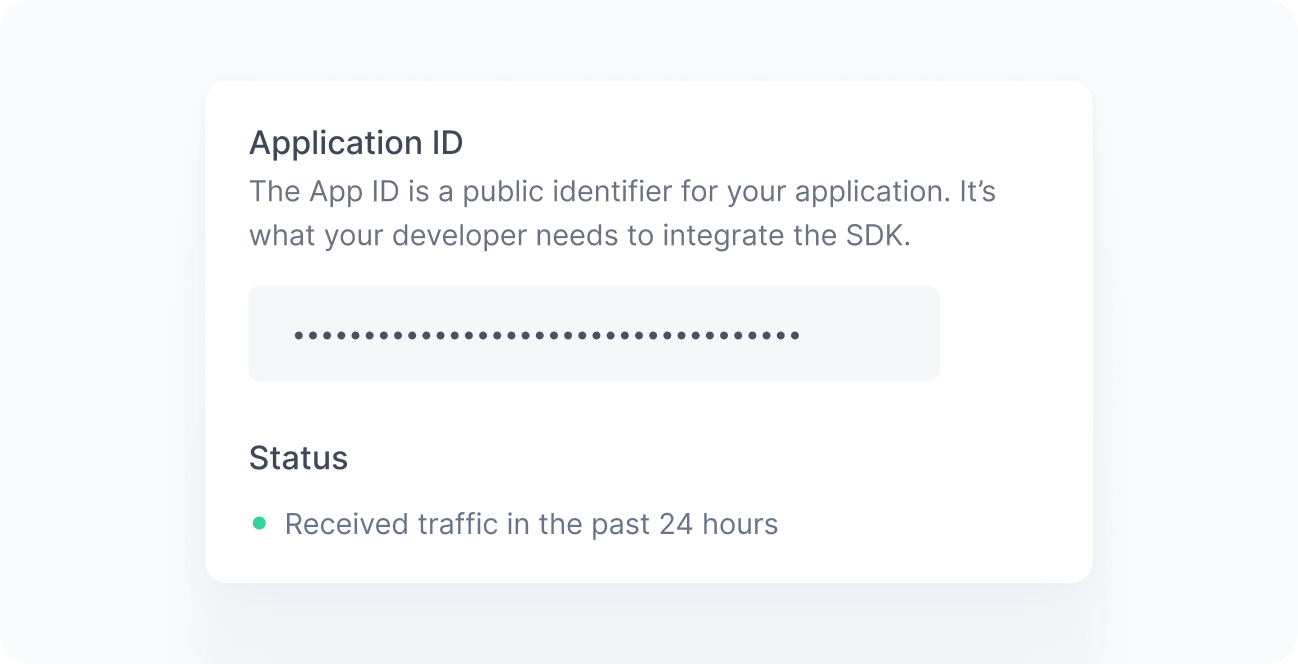
When working correctly, you should see a green bullet next to the Status label saying “Received traffic in the past 24 hours”. If you still do not see this message after a few minutes, see the Troubleshooting reference.