Bot filtering
Learn how we exclude bot traffic from your metrics.
As AI integrates into daily life, web crawlers and bots are increasingly active online. They serve legitimate purposes like SEO and content indexing, but their traffic can skew analytics, experiments, and growth metrics.
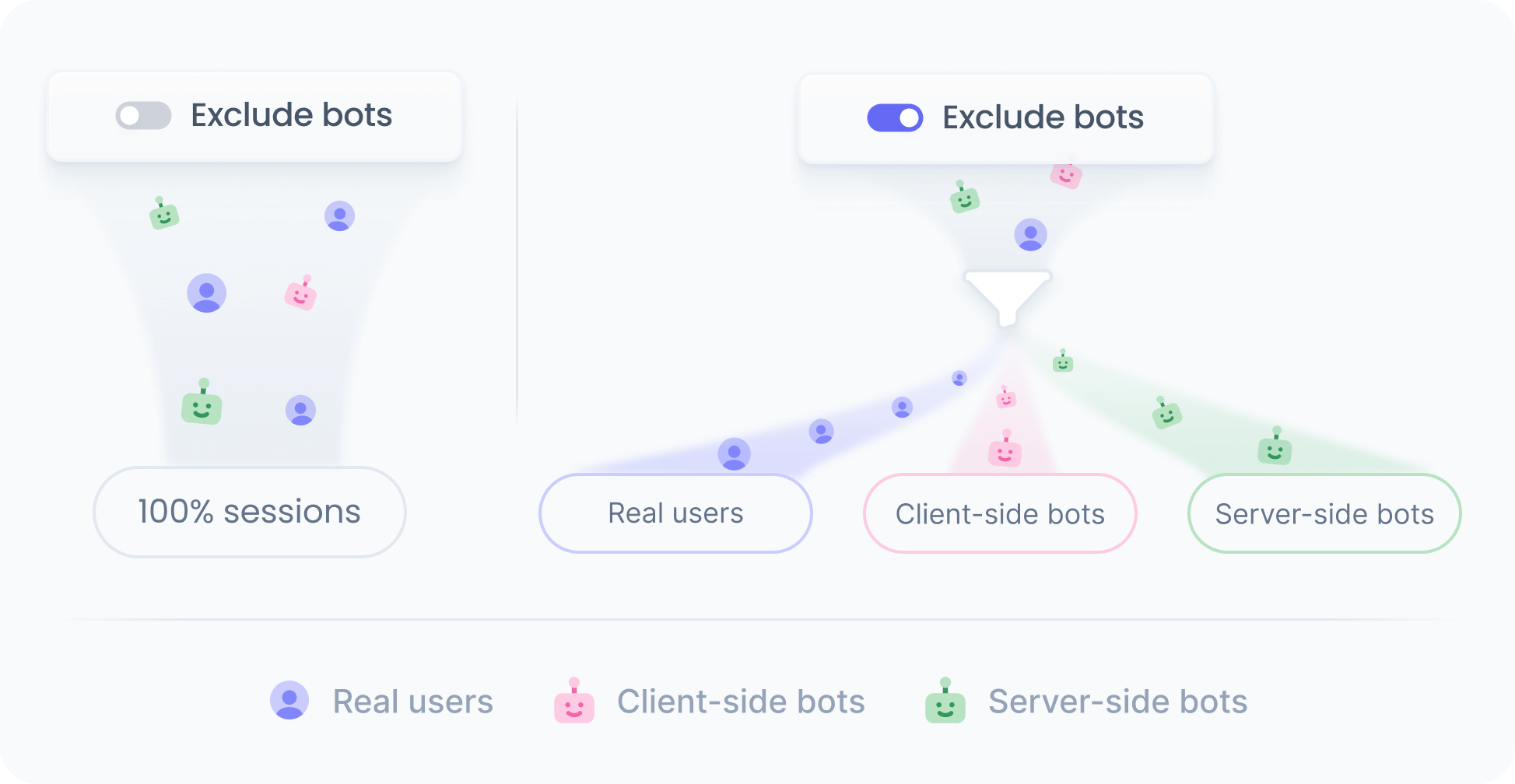
Most bots operate server-side, but advanced ones also execute client-side code. Since we support both server- and client-side rendering, bots can fetch and render your defined content, inflating monthly visitor counts and polluting tracking data.
Our bot exclusion features address this by restricting bot access to experiences and blocking bot-generated events, minimizing their impact on experiments and ensuring cleaner, more accurate metrics.

This feature is free and enabled by default for all workspaces.
How it works
We use the WhatIsMyBrowser user-agent list to identify non-human traffic. The list is actively maintained and catalogs user agents for known spiders and bots.
Bot filtering applies at two levels: content rendering and event tracking.
Content rendering
When a request comes from known bots, we serve the default content for the slot instead of experience content, or experiment variations.
Event tracking
For known server-side and client-side bots, we do not track any events, so their activity and sessions are excluded from monthly visitors, general analytics, and all experience and experiment metrics.
Besides, for unknown server-side bots that request content on the server but never run on the client, we also do not track any events.
Disabling bot filtering
If you need to serve specific content to bots (for example, SEO-focused content), you can turn off the flag in workspace settings.
Disabling the filter means we will treat known bots as regular users, including them in your monthly visitor count.
You can still exclude bot traffic from specific experiences and experiments by using the following condition in your audience definitions:
device's category is not "bot"